AI Product Photography Prompts
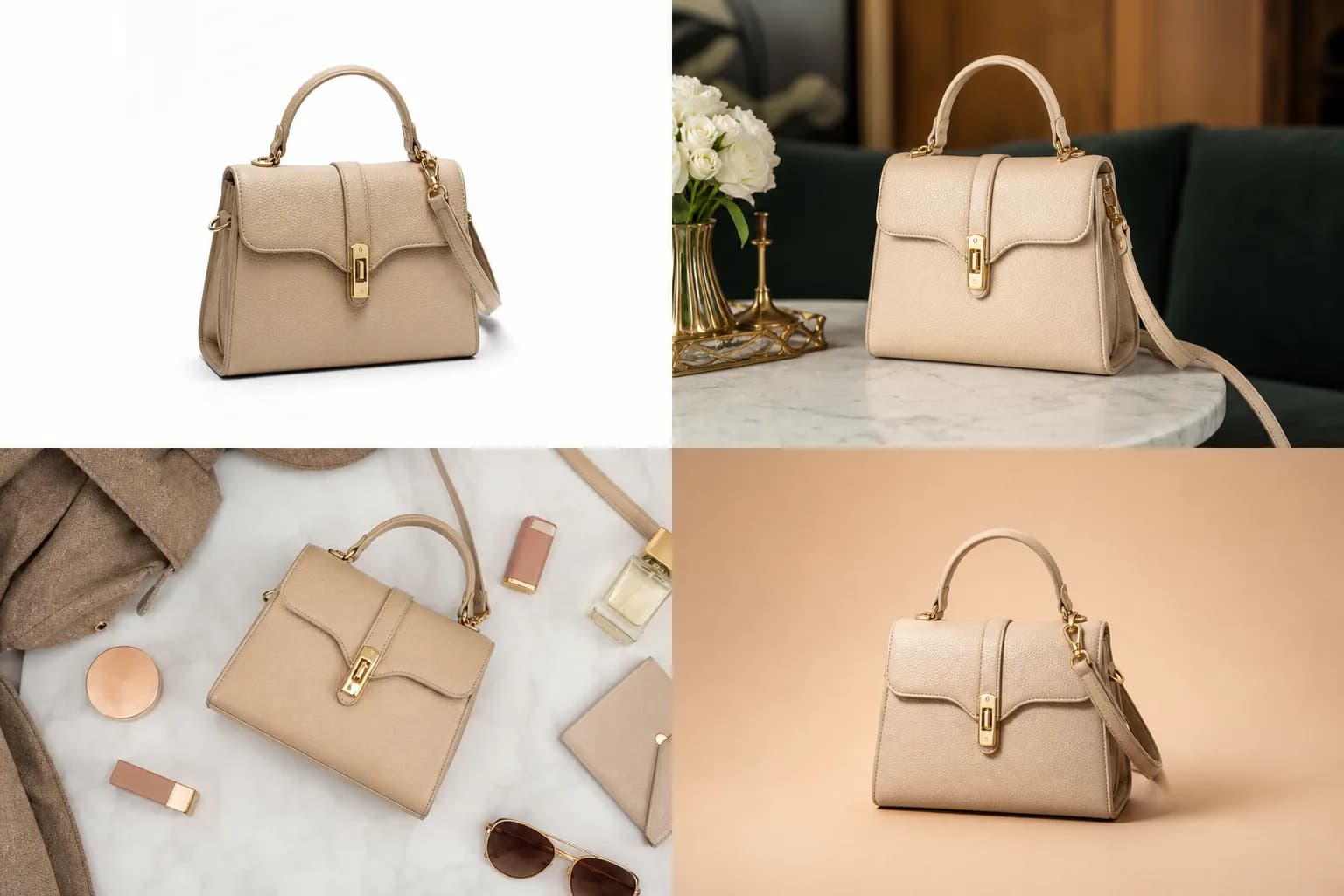
AI product photography prompts are reusable text recipes that turn a single product reference still into studio-quality photos — white-seamless heroes, lifestyle scenes, flat-lays, brand-color backdrops, and marketplace packshots — without booking a tabletop shoot. The ten recipes below are organized by category and paired with an illustrative example output plus the model that handles each best, so you can copy a prompt, drop it on a Martini node, and run it. If you came searching for an "AI product photo prompt generator," this page is the prompt library; the one-click tool that wraps these recipes is the AI product photo generator (/generators/ai-product-photo-generator) — use the prompts here to feed it. As of 2026, the real unlock is not the prompt itself but the multi-anchor canvas around it: product reference, brand-color script, and scene reference live as separate nodes rather than being stuffed into one string, which is why label fidelity and palette hold across a 40-SKU run. Nano Banana 2 carries product-detail fidelity, Flux Kontext drops the product into new scenes, Imagen 4 and Flux deliver photoreal heroes, Seedream covers the editorial flat-lay range, and GPT Image 2 cleans up label typography on the final pass.
When to use this prompt
- Producing 40+ SKU variants per quarter without a studio shoot — one canvas template, reused per product.
- Generating PDP and listing photography for an Amazon, Shopify, or Walmart launch in a single pass.
- Refreshing legacy product photography across new lifestyle scenes (kitchen, vanity, gym, desk) without re-compositing.
- Creating brand-color hero placements for a paid-social campaign without manual masking and compositing time.
- Rounding out a category page with flat-lays and macro detail shots that match the hero set.
- Feeding a one-click product photo generator with vetted, category-specific prompts instead of guessing at wording.
Required inputs
- A clean product reference still — ideally background-removed and the highest resolution you have. Soft inputs become soft outputs.
- A brand-color script (hex codes or a color reference image) wired as a separate anchor so the palette never drifts across SKUs.
- Aspect ratio target — 1:1 for ecommerce and Amazon, 4:5 for paid social and Pinterest, 16:9 for hero web and YouTube.
- A scene reference image when working on lifestyle treatments (counter, vanity, gym floor, work desk).
- Optional: a typography or label-detail closeup if your packaging has fine type that must stay legible after generation.
Prompt recipes
Hero on white seamless (ecommerce default)
The PDP and Amazon-listing default. Nano Banana 2 holds product detail and label fidelity better than generative-only models because the reference carries identity while the prompt only directs light.
Referenced product centered on infinite white seamless backdrop, soft front-key plus subtle bounce fill, no harsh shadow, label sharp and legible, photoreal rendering, product fully in frame with clean negative space, 1:1 framing.
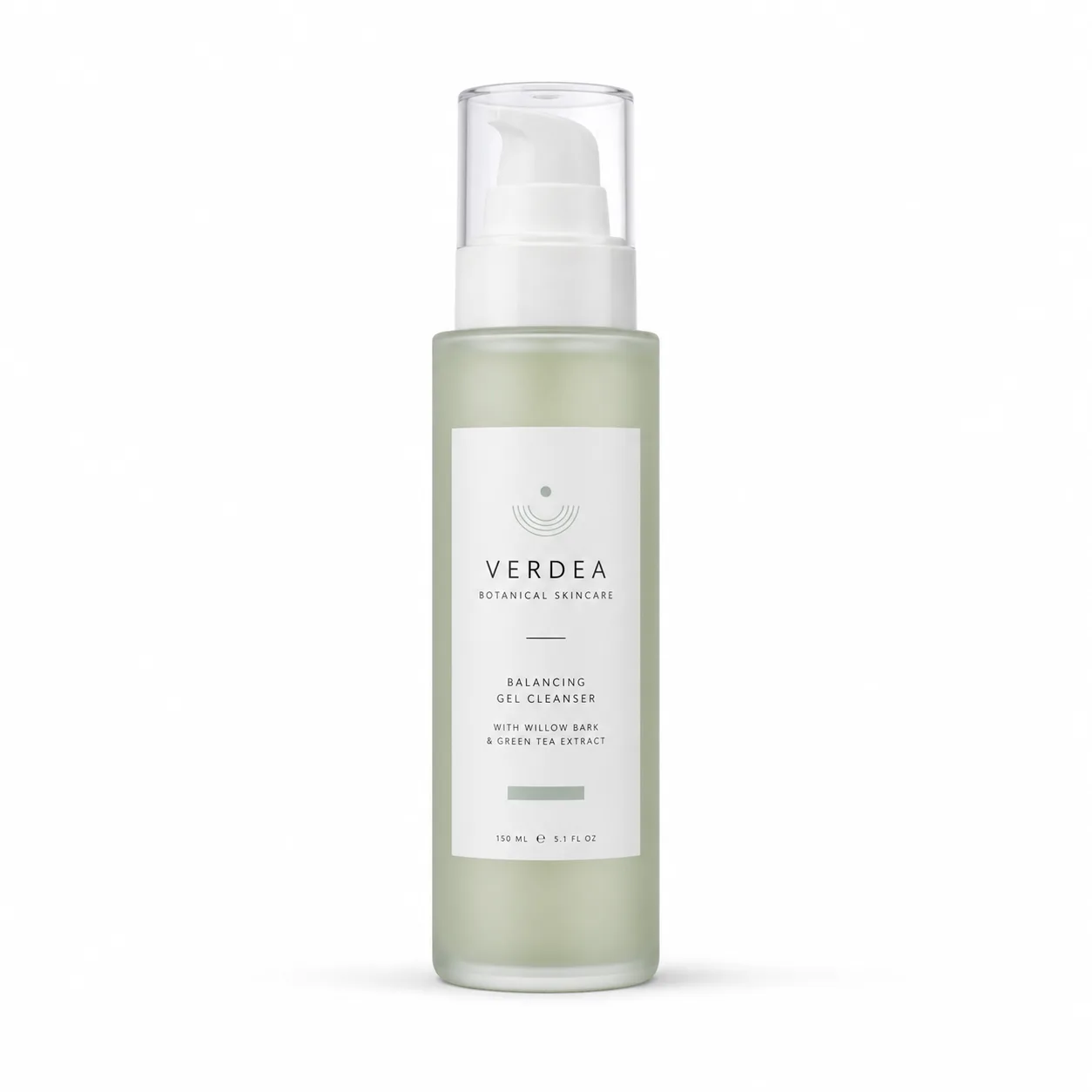
Best output for marketplace listings.
Lifestyle scene (in-context)
Drops the product into a real-world scene. Flux Kontext handles edit-aware placement without product distortion, integrating the still into the referenced environment.
Referenced product placed on referenced lifestyle scene (e.g., morning kitchen counter), soft daylight from camera left, natural environmental context, locked product detail, gentle depth of field, product remains the focal point, 4:5 framing.
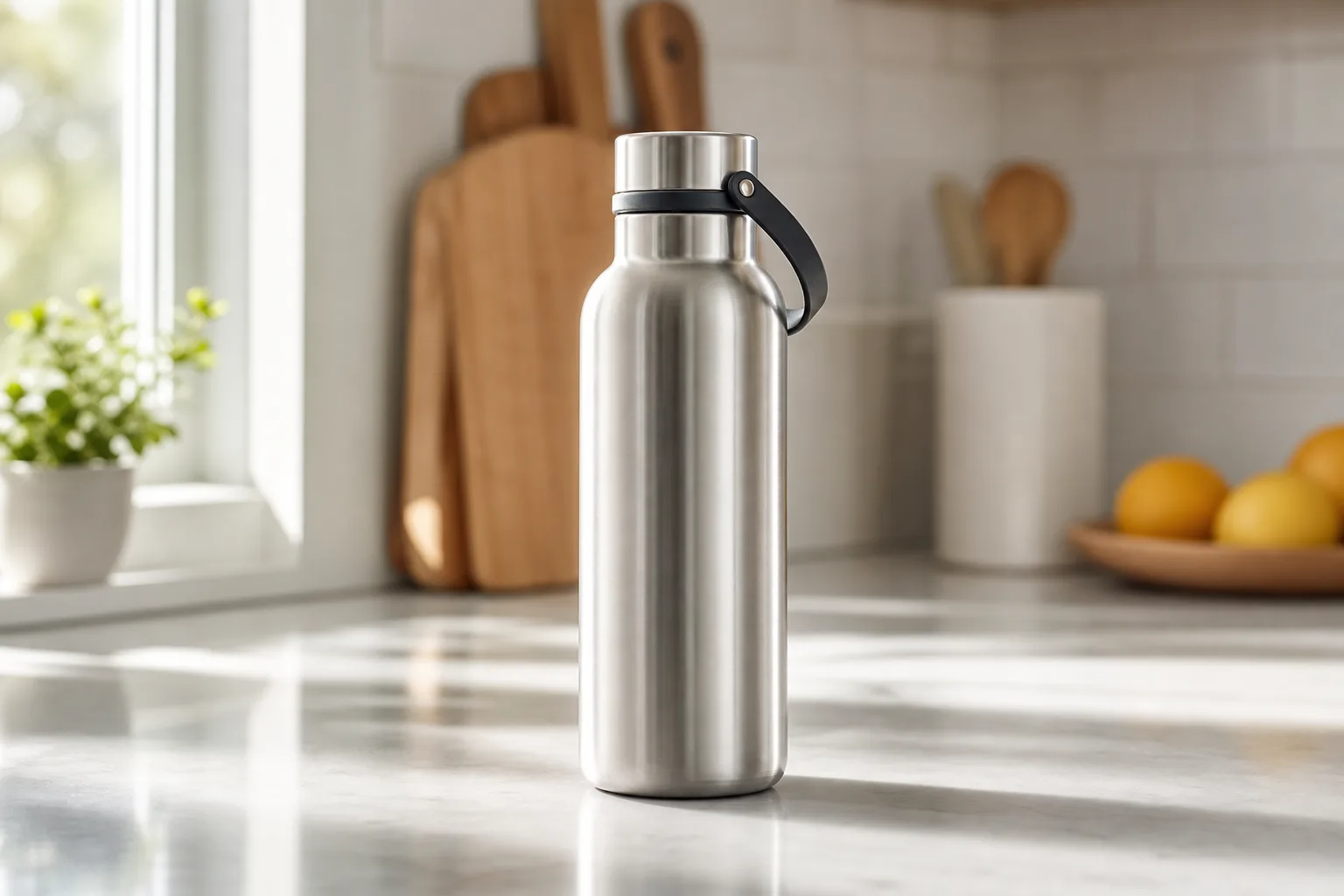
Variations
- Swap kitchen for bathroom vanity, gym floor, or work desk per category.
- Shift daylight to warm tungsten for evening positioning.
Macro material detail
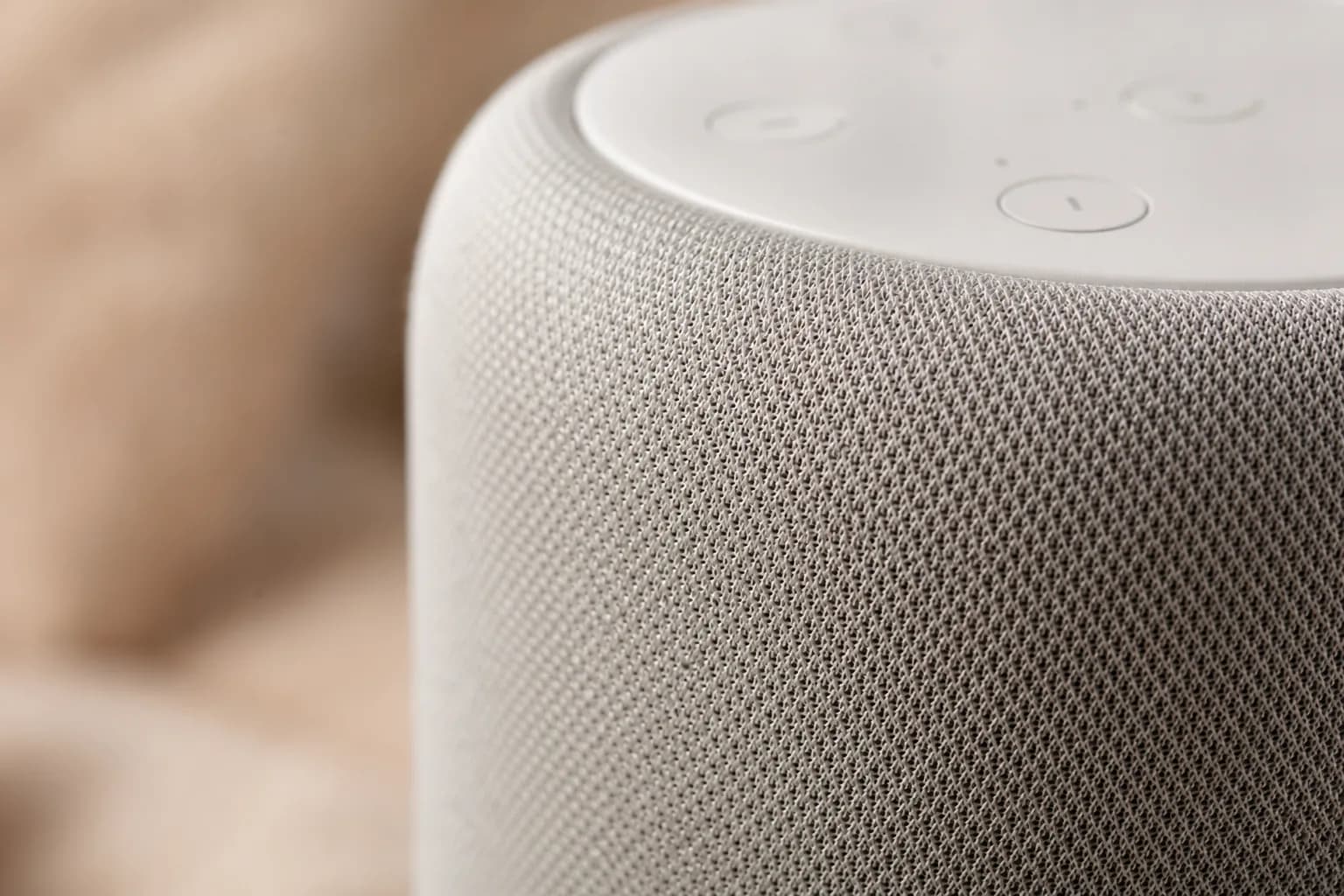
Texture-forward detail shot for skincare, beverages, and premium packaging. Pairs with hero on white for a clean 2-shot category set.
Macro close-up of textured surface of referenced product, soft top light, shallow depth of field, surface detail in sharp focus, surrounding context falls into bokeh, photoreal rendering, 1:1 framing.
Brand-color backdrop hero
High-saturation paid-social hero. Use the brand-color script as a separate canvas reference rather than naming hex codes inline — that is what keeps the palette consistent across the campaign.
Referenced product centered on solid brand-color backdrop (color matched to referenced brand-color script), soft front-key plus subtle rim, locked product detail, clean shadow under product, premium editorial mood, 1:1 framing.
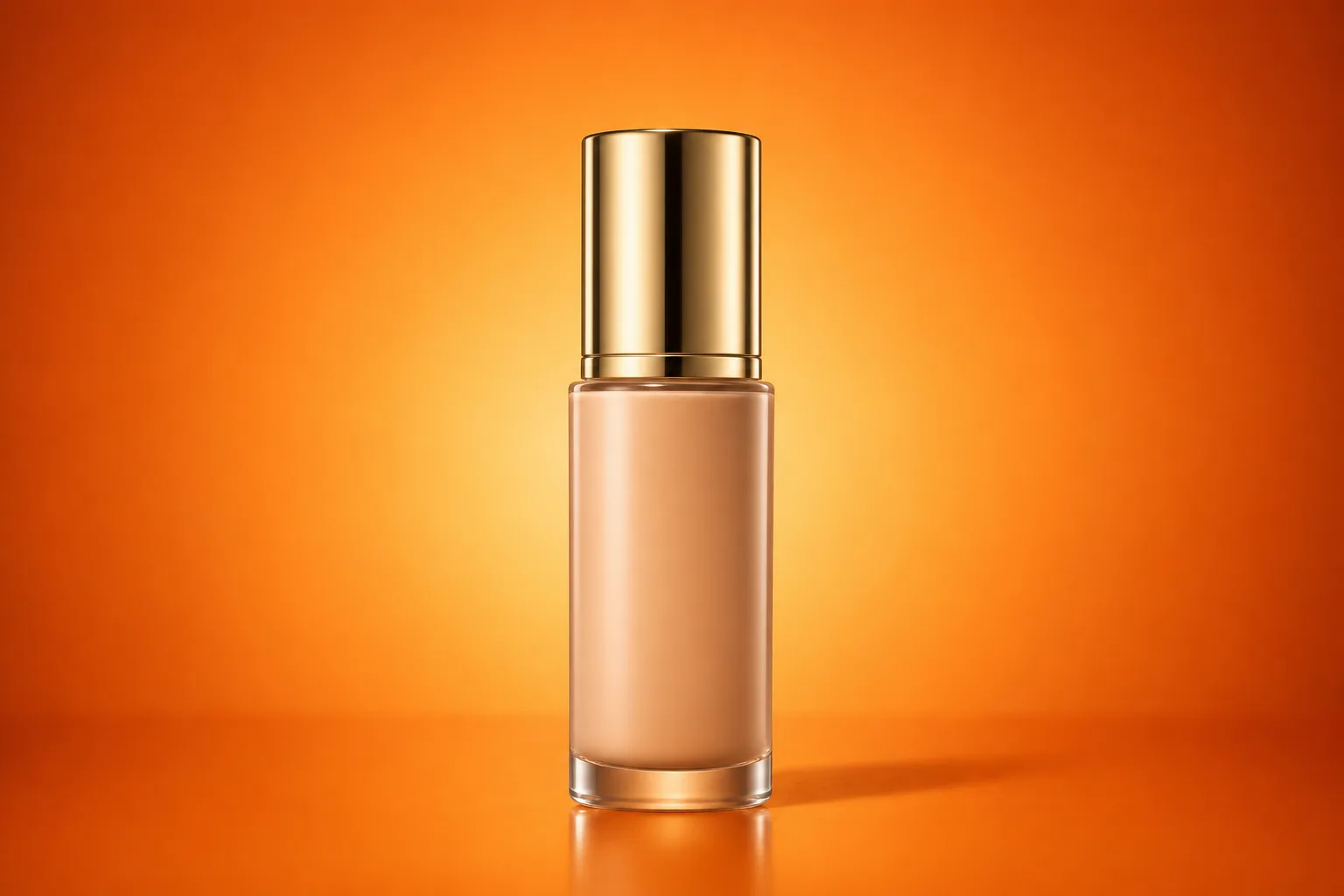
Wire your brand-color script in as a reference node alongside the product image.
Lifestyle with talent holding product
Talent-holding-product variant for skincare, beauty, and food categories. Imagen 4 holds photoreal natural light cleanly while keeping the product label crisp.
Hands of model holding referenced product at chest height, soft window light from camera left, kitchen or vanity environment matching referenced scene, locked product label and detail, talent partially in frame, photoreal rendering, 4:5 framing.
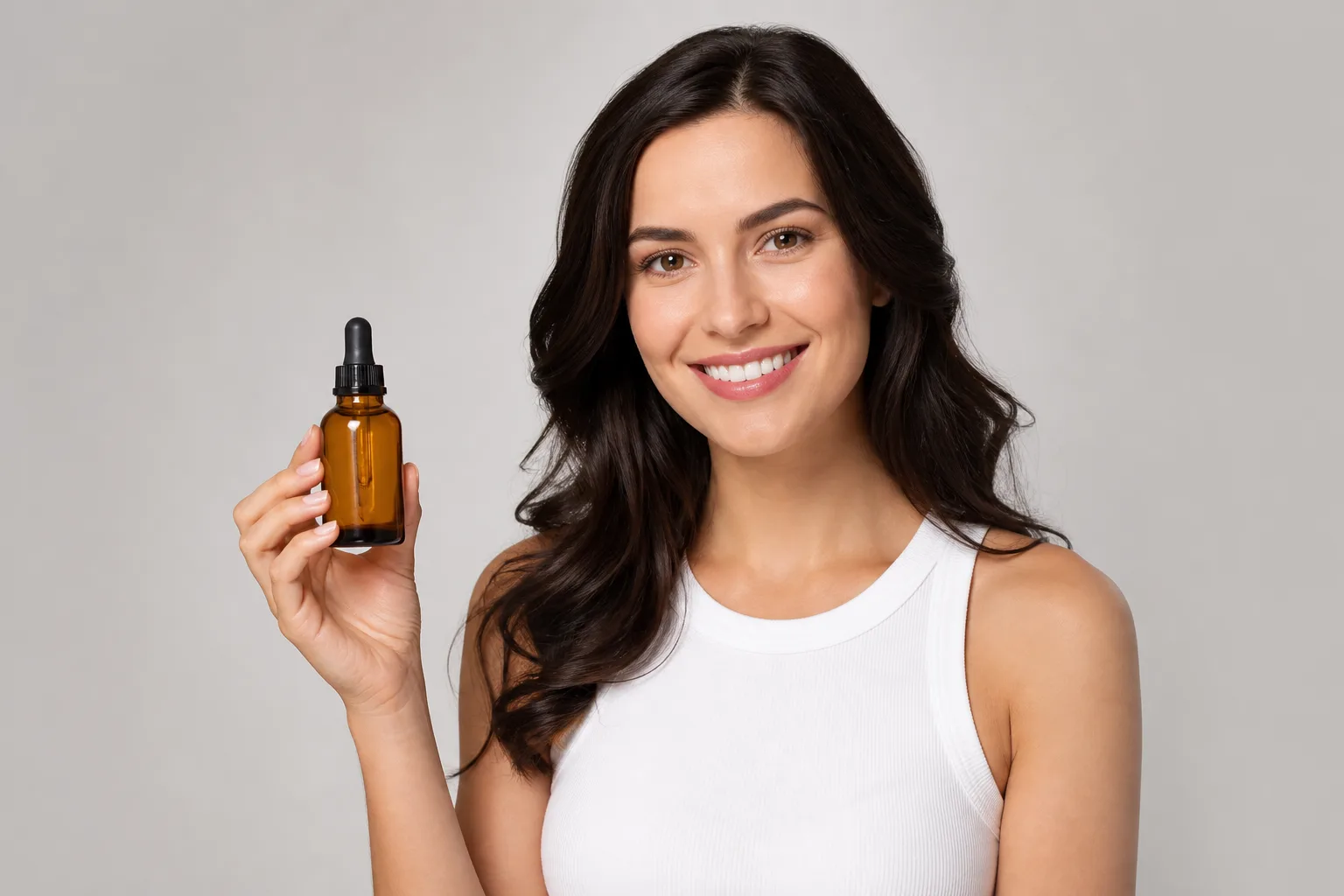
Top-down flat-lay composition
Flat-lay for category pages, social feeds, and mood boards. Seedream handles editorial composition naturally and balances the prop set around the product.
Top-down flat-lay arrangement of referenced product alongside complementary props (e.g., linen cloth, fresh herbs, accessory items), soft northern daylight, no harsh shadow, balanced negative space, locked product detail, 1:1 framing.
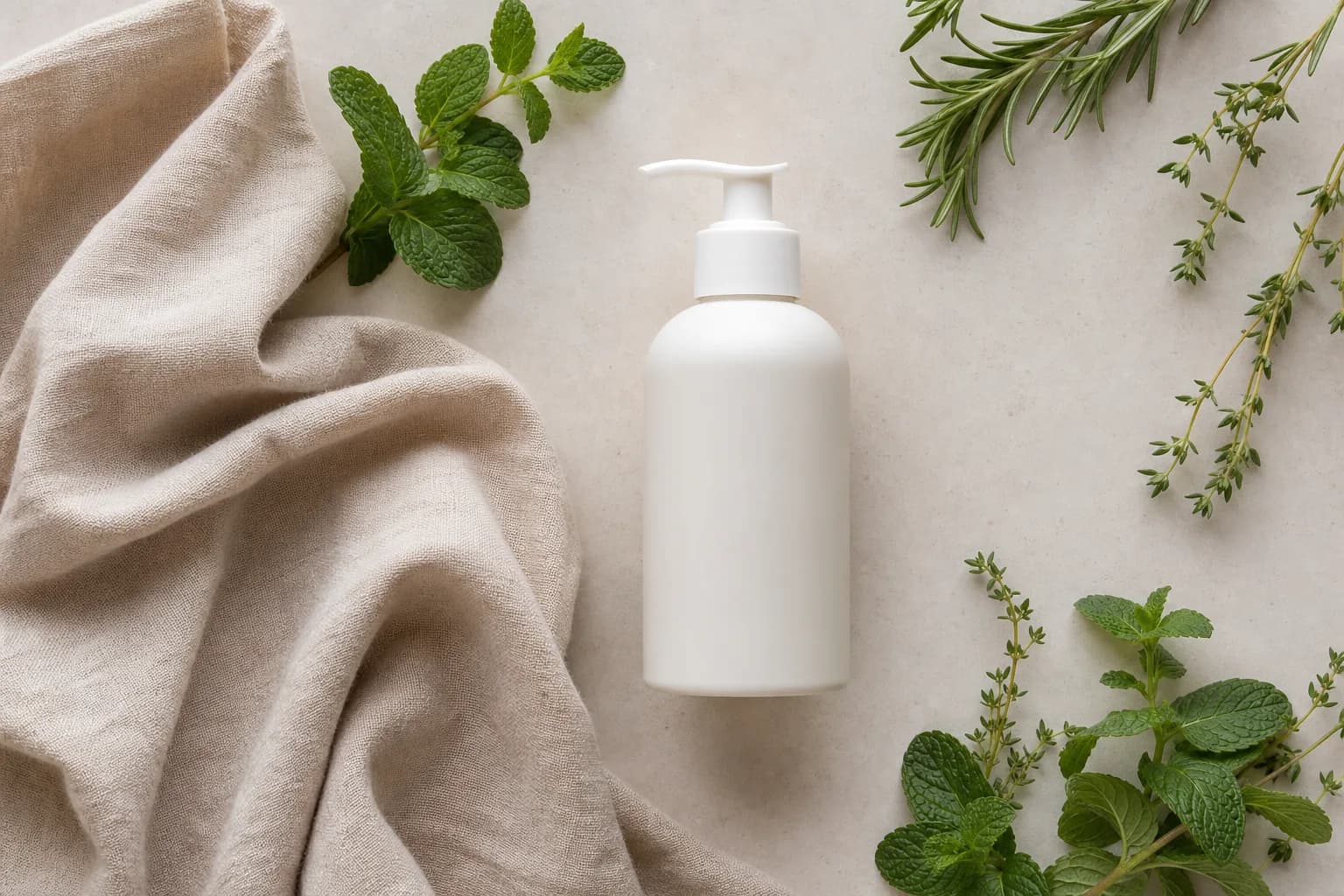
Variations
- Substitute prop set per category (skincare, food, fashion, electronics).
Marketplace packshot
Marketplace-compliant packshot for Amazon, eBay, and Walmart. Strict no-shadow, pure-white-background output that meets the platform main-image rules.
Referenced product alone on pure white background, even soft lighting, no shadow, product fully in frame with margin per Amazon listing requirements, label legible, sharp focus across product, 1:1 framing.
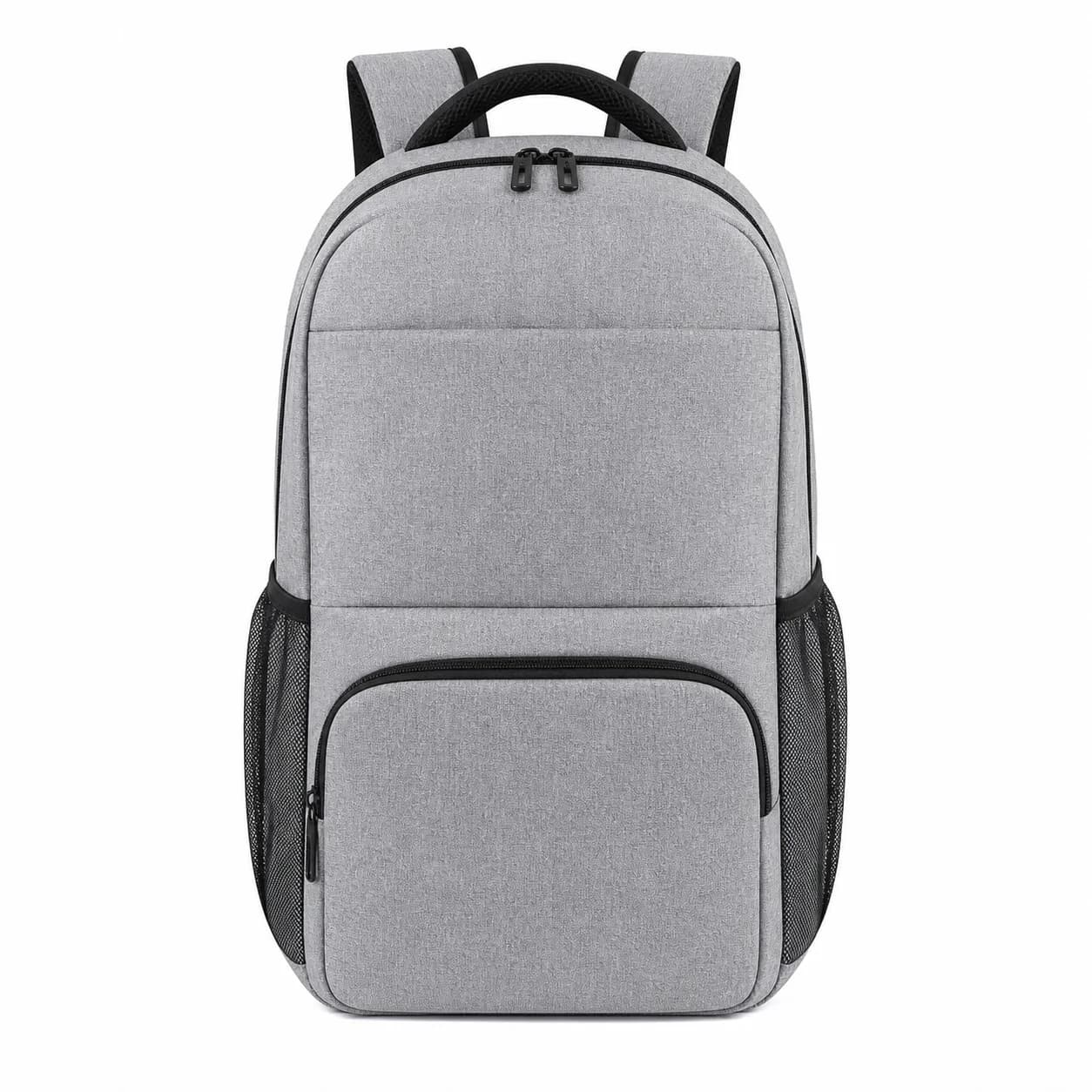
Run through GPT Image 2 cleanup if shadow leaks into the white.
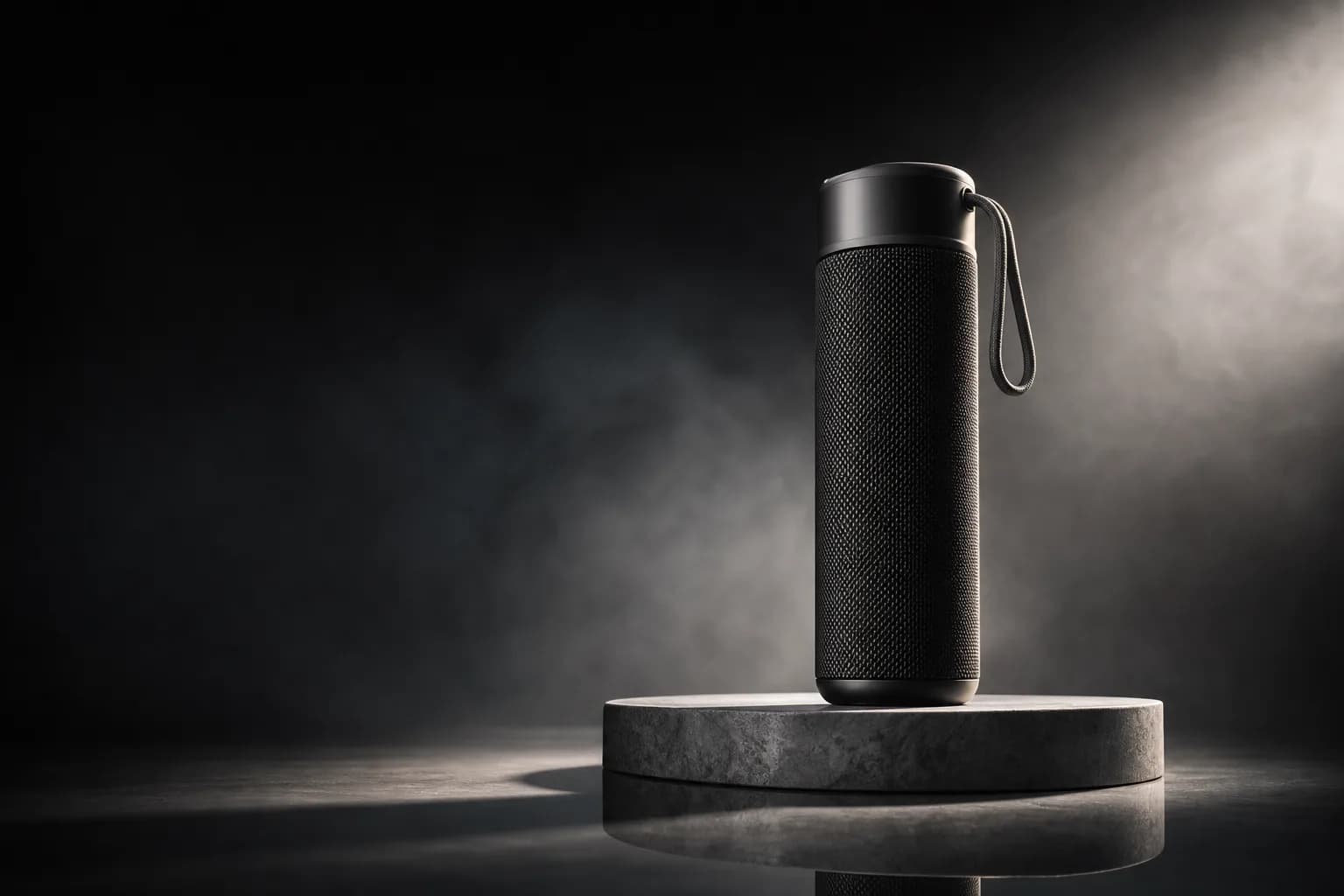
Mood-lit editorial hero
Premium hero for fragrance, spirits, and electronics. Flux holds high-fidelity rendering under dramatic light while the reference keeps the packaging intact.
Referenced product on minimal plinth, dramatic side rim light, deep shadow on opposing side, atmosphere haze, premium editorial mood, locked product detail, soft floor reflection, 16:9 framing.
On-set lifestyle (kitchen / vanity / desk)
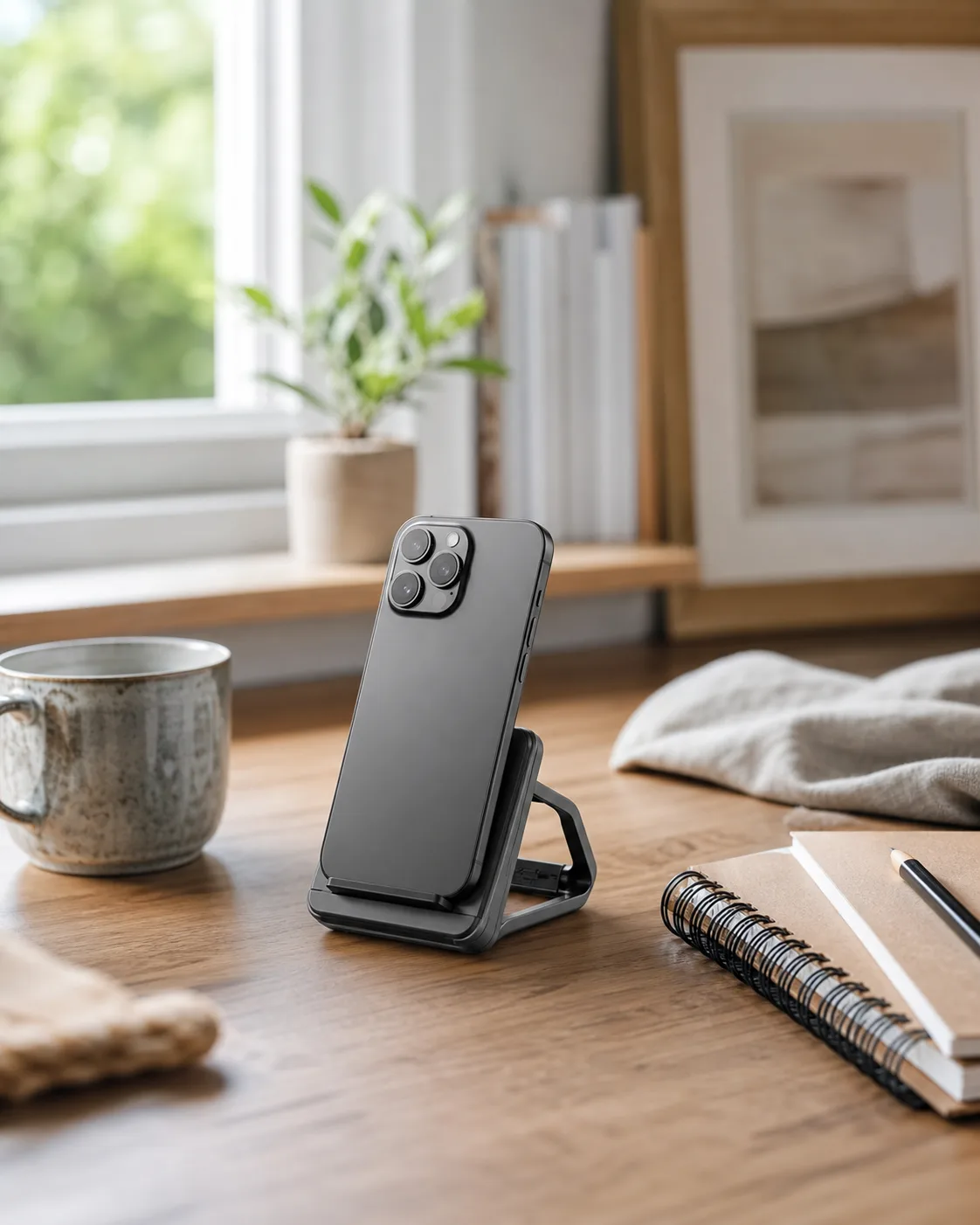
On-set lifestyle composition without commissioning a real shoot. Seedream handles editorial range across categories and keeps the surrounding props naturally out of focus.
Referenced product placed on referenced surface (kitchen counter, bathroom vanity, work desk) within a lived-in environment, soft window daylight, natural props in soft focus around product, locked product detail and label, photoreal rendering, 4:5 framing.
Detail and label cleanup pass
Cleanup pass for label and packaging detail. Run as a final node after a generative model produces the hero composition — polish, not re-generation.
Refine referenced product image — sharpen label typography, clarify edge detail, balance color across surface, remove minor artifacts, retain original composition and lighting, photoreal output.
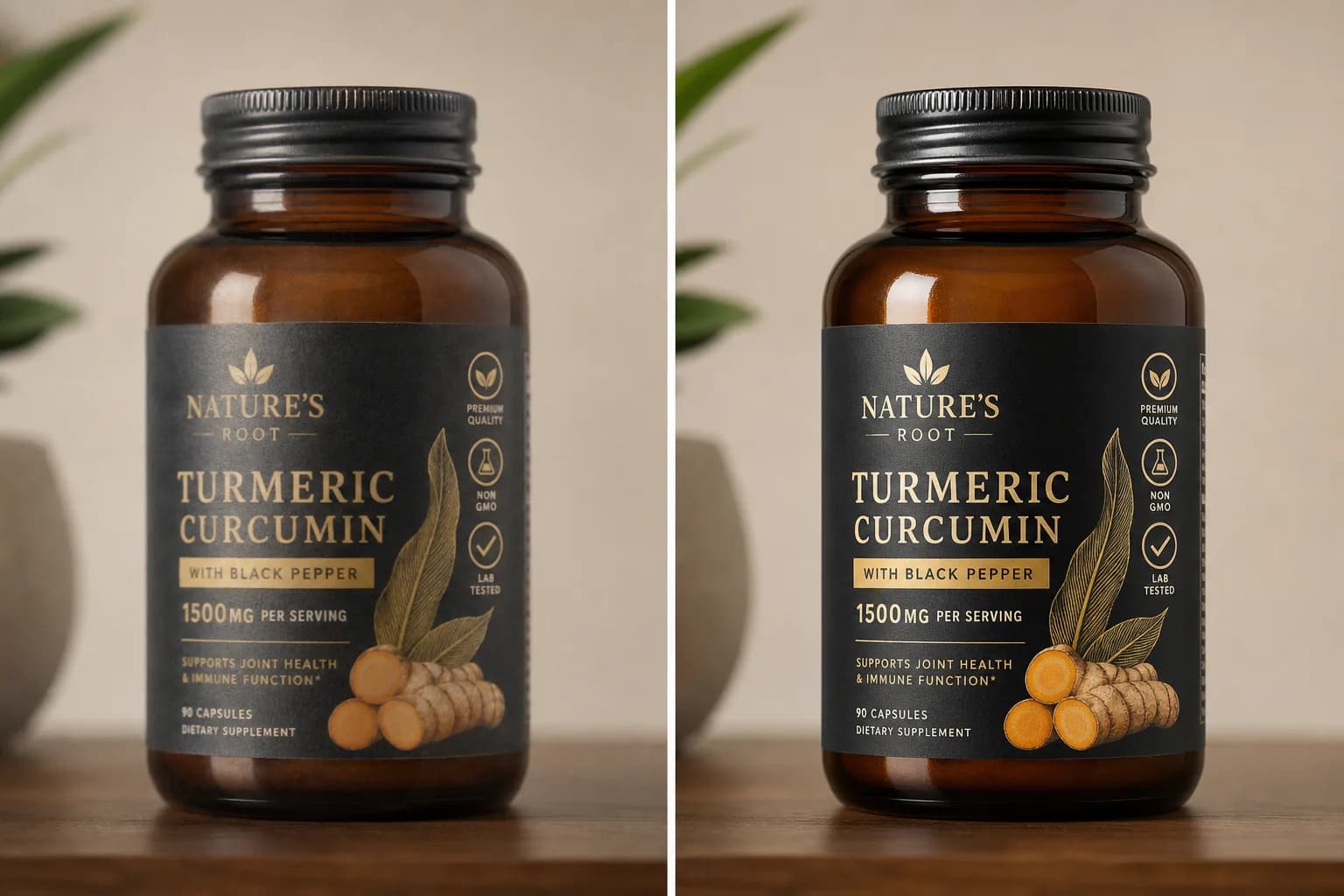
Use sparingly — it is a polish, not a re-generation.
Martini canvas workflow
Set up the multi-anchor wiring before generating: product reference, brand-color script, and scene reference each live as separate nodes on the canvas. This is the differentiator vs single-prompt tools and generic prompt generators — the prompt only directs composition and light, while the anchors carry product identity, palette, and environment.
For label-fidelity work (hero on white, marketplace packshot, brand-color hero), wire the product reference into Nano Banana 2 or Imagen 4. For scene placement (lifestyle, on-set, in-context), wire the product reference plus the scene reference into Flux Kontext — its edit-awareness handles placement without product distortion.
Run a parallel fan-out: hero on white, brand-color backdrop, lifestyle, and flat-lay all generate at the same time from the same product anchor. One canvas, four outputs, every take kept in the version tray so you pick the strongest variant per category instead of re-rolling one at a time.
Pass the strongest hero through a GPT Image 2 cleanup node when you need label typography or fine packaging detail crisp. Treat this as polish, not re-generation — small artifact cleanup, not a composition change.
Chain into the video phase by wiring the chosen product still into a Seedance 2 or Runway Gen-4 video node — see the product ad prompts library (/prompts/video/product-ad-prompts) for the motion vocabulary. The image deliverable becomes campaign motion on the same canvas, then exports through the NLE timeline to Premiere or DaVinci.
Variations
White seamless (catalog)
Default ecommerce / marketplace style — clean white, soft front-key, no environmental cues. PDP and Amazon use this by default.
Studio (controlled lighting)
Studio product photo prompts: soft front-key plus bounce fill on a neutral sweep, no environment, label-critical fidelity. The catalog and packshot foundation.
Brand-color hero
High-saturation backdrop matched to a brand-color script. Paid-social heroes and campaign launches.
Lifestyle (in-context)
Real-world scene — kitchen, bathroom, gym, desk, outdoor. Editorial / lifestyle / brand storytelling.
Flat-lay (top-down)
Overhead arrangement with props. Mood boards, category pages, Pinterest, and social feeds.
Macro detail
Close-up texture / material / label. Texture-forward category pages and detail-page modules.
Mood-lit editorial
Dramatic rim light, deep shadow, atmosphere. Fragrance, spirits, premium electronics, and fashion.
Related features
Related how-tos
Related models
Related generators
Related blog posts
Related docs
Frequently asked questions
- Is there an AI product photo prompt generator?
- Yes — the AI product photo generator (/generators/ai-product-photo-generator) is the one-click tool, and this page is the prompt library that feeds it. Use a recipe below as the starting prompt, then run it inside the generator or wire it directly onto a Martini canvas node. The advantage of starting from a vetted recipe rather than a blank generator box is that each prompt is already tuned to a category (white seamless, lifestyle, flat-lay, packshot) and paired with the model that handles it best, so you skip the trial-and-error.
- What makes a good studio product photo prompt?
- A good studio product photo prompt directs only light, framing, and backdrop — never the product itself, because the product reference still carries that. Studio recipes use soft front-key plus bounce fill, a neutral sweep, no harsh shadow, a legible label, and an explicit aspect ratio (1:1 for catalog). Keep the prompt short and literal; describing the bottle, label, or color inline is the #1 cause of label drift across a batch. Let the reference do the identity work and let the prompt do the lighting.
- Why use multi-anchor wiring instead of one big prompt?
- Multi-anchor wiring keeps product detail, brand color, and scene context as separate canvas references instead of one overloaded string — which is how palette drifts and label fidelity collapses in single-tool generators. Wiring product, color, and scene as separate anchors lets each reference carry its own role, while the prompt only directs composition and light. The output holds detail because the references hold detail.
- When do I use Nano Banana 2 vs Flux Kontext?
- Use Nano Banana 2 for product-detail fidelity — hero on white, marketplace packshots, and label-critical work. Use Flux Kontext for placement-into-scene — lifestyle, in-context, and scene swaps where the product needs to integrate naturally with a referenced environment. The practical answer is both: Nano Banana 2 for the hero, Flux Kontext for the lifestyle variations, all fanned out from the same product anchor on one canvas.
- How do I keep label typography legible?
- Start with a high-resolution product reference, because soft inputs become soft outputs. Use Nano Banana 2 or Imagen 4 for label-critical work rather than purely generative models, then run a GPT Image 2 cleanup pass at the end to sharpen label typography. Label drift on packaging is the most common failure mode, so do a manual review before delivery — it is worth the 30 seconds.
- Can I get instant studio quality from one click?
- No single click guarantees instant studio quality, and any tool that promises it is overselling. The chain typically needs an upscale plus cleanup pass after the generative step, plus careful multi-anchor wiring upstream. The real win is that the chain on Martini is reusable — your second SKU is roughly 4x faster than your first because the canvas template is locked and only the product reference changes.
- Which aspect ratios should I generate?
- Generate 1:1 for ecommerce, marketplace, and Amazon listings; 4:5 for paid social and Pinterest; and 16:9 for web hero, YouTube, and TV. The efficient approach is to generate 1:1 first as the master, then re-frame to the other aspect ratios on the canvas using the same anchor stack — much faster than re-generating each ratio from scratch.
- How do I turn the product photo into a video ad?
- Wire the chosen still into a Seedance 2 or Runway Gen-4 video node on the same canvas, then write a motion-only prompt for the camera move. The full motion library lives at /prompts/video/product-ad-prompts. The deliverable travels from PDP photo to PDP motion to a paid-social ad without ever leaving the canvas, and exports through the NLE timeline for finishing.
Try this prompt on Martini
Copy a recipe above, drop it into a node, and run it inside a full canvas workflow.