Luma
Luma Ray
Luma Ray (Ray 2 and Ray Flash 2) is Luma AI's cinema-quality video generation family known for industry-leading camera control — pan, tilt, push-in, pull-out, orbit, crane, dolly zoom and more specified directly in the prompt. Ray 2 targets maximum fidelity while Ray Flash 2 delivers faster, lower-cost generation at the same 540p-1080p resolutions. Run Luma Ray alongside 50+ other image and video models on the Martini canvas.
Luma Ray is a cinema-quality AI video model family from Luma AI, released in 2025, that generates text-to-video and image-to-video clips with the most granular camera-motion control of any major model. Ray 2 outputs video at resolutions from 540p to 1080p in 5-second and 9-second durations, excelling at complex multi-element scenes with precise, prompt-driven camera movement. Ray Flash 2 is the faster, more affordable tier at the same resolution range, trading a little fidelity for speed. The signature capability is camera control: Luma AI Ray 2 understands a full vocabulary of camera modes — static, pan left, pan right, tilt up, tilt down, push in, pull out, truck left, truck right, pedestal up, pedestal down, orbit left, orbit right, crane up, crane down, roll left, roll right, dolly zoom and bolt cam — that you write straight into the prompt instead of keyframing by hand. As of 2026, Luma has also shipped Ray 3, its reasoning-driven HDR video model, while Ray 2 and Ray Flash 2 remain the production workhorses on Martini. Versus peers: Luma Ray prioritizes directable camera language where Runway Gen-4 Turbo leans on image-to-video speed and Sora 2 leans on physics simulation — on Martini you can fan one prompt out across all three at once and compare takes side by side.
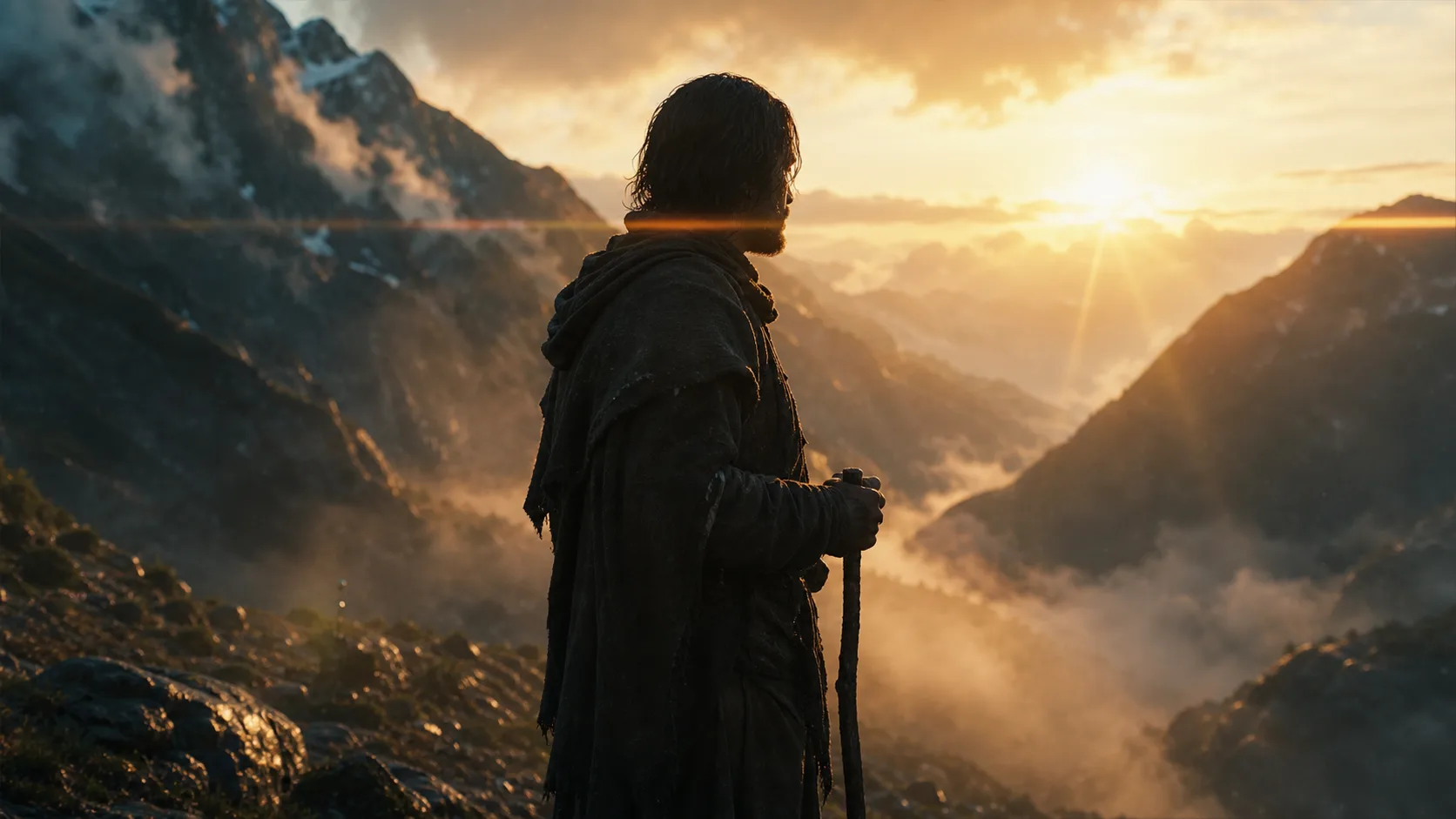
Luma Ray Variants
| Variant | Description |
|---|---|
| Ray 2 | Cinema-quality generation at 540p-1080p, 5s and 9s durations, top-tier fidelity with full camera-mode control. |
| Ray Flash 2 | Faster, lower-cost alternative with the same resolution range and camera controls. |
Capabilities
Supported Aspect Ratios
Best For
- Cinematic content with directed camera movements (dolly, orbit, crane, push-in)
- Multi-element scene composition (characters, objects, environments)
- Film and advertising pre-visualization
- High-resolution final deliverables at 1080p
- Storyboard shots that need a specific Luma Ray 2 camera mode per frame
Strengths
- Industry-leading camera movement control via prompt — full Ray 2 camera-mode vocabulary
- Strong multi-element scene coherence and composition
- Two-tier model lets you balance cost and quality per shot
- Supports both 5s and 9s durations for flexible storytelling
- High-resolution output up to 1080p
- Both Ray 2 and Ray Flash 2 support text-to-video and image-to-video
Limitations
- Fewer specialized modes than multi-variant families (no native V2V, no avatar)
- Ray 2 takes longer to render than the lighter Ray Flash 2 tier
- 9-second clips may show slight coherence degradation at the tail end
- Ray 3 (the newest HDR tier) is not exposed on Martini yet — Ray 2 and Ray Flash 2 are the available tiers
Tips & Best Practices
Use Luma Ray on Martini
Connect Luma Ray with other AI models on Martini's infinite canvas. No GPU required — start free.
Get Started FreeFrequently Asked Questions
What is Luma Ray?
Luma Ray is a cinema-quality AI video model family from Luma AI, released in 2025, that generates text-to-video and image-to-video clips with the most granular camera-motion control of any major model. The family includes Ray 2 (maximum fidelity) and Ray Flash 2 (faster and lower-cost), both outputting 540p-1080p video in 5-second and 9-second durations.
What camera modes does Luma AI Ray 2 support?
Luma AI Ray 2 supports a full camera-motion vocabulary you write directly into the prompt: static, pan left, pan right, tilt up, tilt down, push in, pull out, truck left, truck right, pedestal up, pedestal down, orbit left, orbit right, crane up, crane down, roll left, roll right, dolly zoom, and bolt cam. On Martini you can also pair Ray 2 with the camera-control tool for repeatable moves across shots.
What is the difference between Ray 2 and Ray Flash 2?
Ray 2 is the maximum-fidelity tier and Ray Flash 2 is the faster, lower-cost tier — both output the same 540p-1080p resolution range and 5s/9s durations, and both support text-to-video and image-to-video with the full camera-mode set. Use Ray Flash 2 for quick previews and camera-blocking, then re-render the locked shot with Ray 2 for final delivery.
How is Luma Ray different from Runway Gen-4 and Sora 2?
Luma Ray prioritizes directable camera language — you specify dolly, orbit, crane, and dolly-zoom moves in plain text — whereas Runway Gen-4 Turbo leans on fast image-to-video and Sora 2 leans on physics simulation and multi-shot storyboards. On Martini you can fan one prompt or source image out across Luma Ray, Runway Gen-4 Turbo, and Sora 2 simultaneously and compare every take in the version tray.
Is Luma Ray 3 available?
As of 2026, Luma AI has released Ray 3, its reasoning-driven HDR video model, but on Martini the available Luma tiers are Ray 2 and Ray Flash 2, which remain the production workhorses for camera-controlled cinematic shots. Ray 2 and Ray Flash 2 cover text-to-video, image-to-video, and the full camera-mode vocabulary.
What resolution and clip length does Luma Ray output?
Luma Ray (both Ray 2 and Ray Flash 2) outputs video at resolutions from 540p to 1080p in 5-second and 9-second durations. Start with 5-second clips to lock the look and camera move, then extend to 9 seconds for final delivery at up to 1080p.
Can I run Luma Ray online without installing anything?
Yes. On Martini, Luma Ray runs in the browser on a node-based canvas — no GPU, no local install, no ComfyUI setup. You add a Luma Ray node, write your prompt with a camera mode, and generate alongside 50+ other image and video models, then export your clip including to an NLE timeline.