Video Breakdown
Video breakdown is used to parse a video into a storyboard, making it easy to quickly generate projects or perform secondary editing.
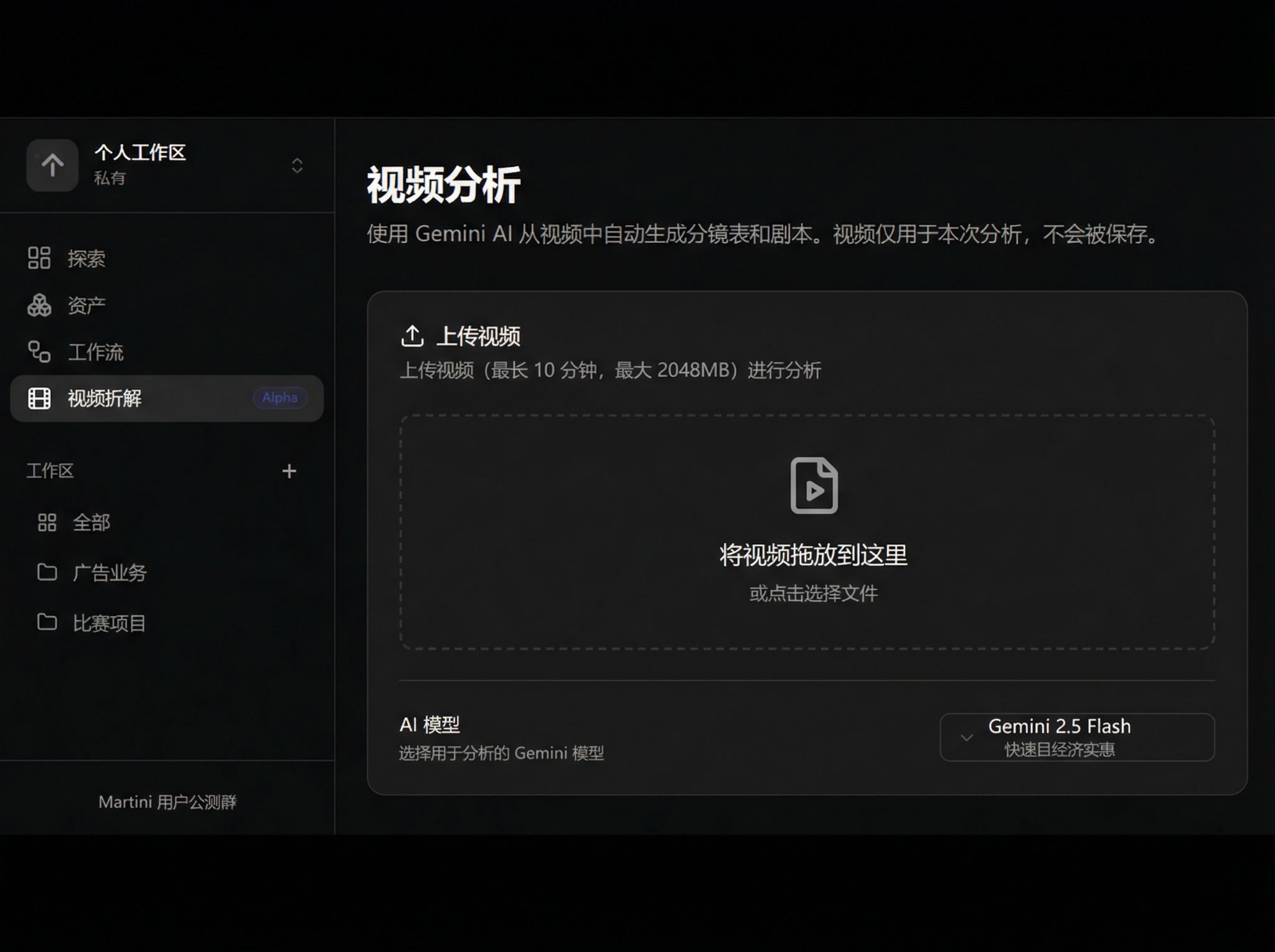
Upload Video
The video breakdown entry is in the left menu 4th item after logging in. After entering the page, click upload to begin.
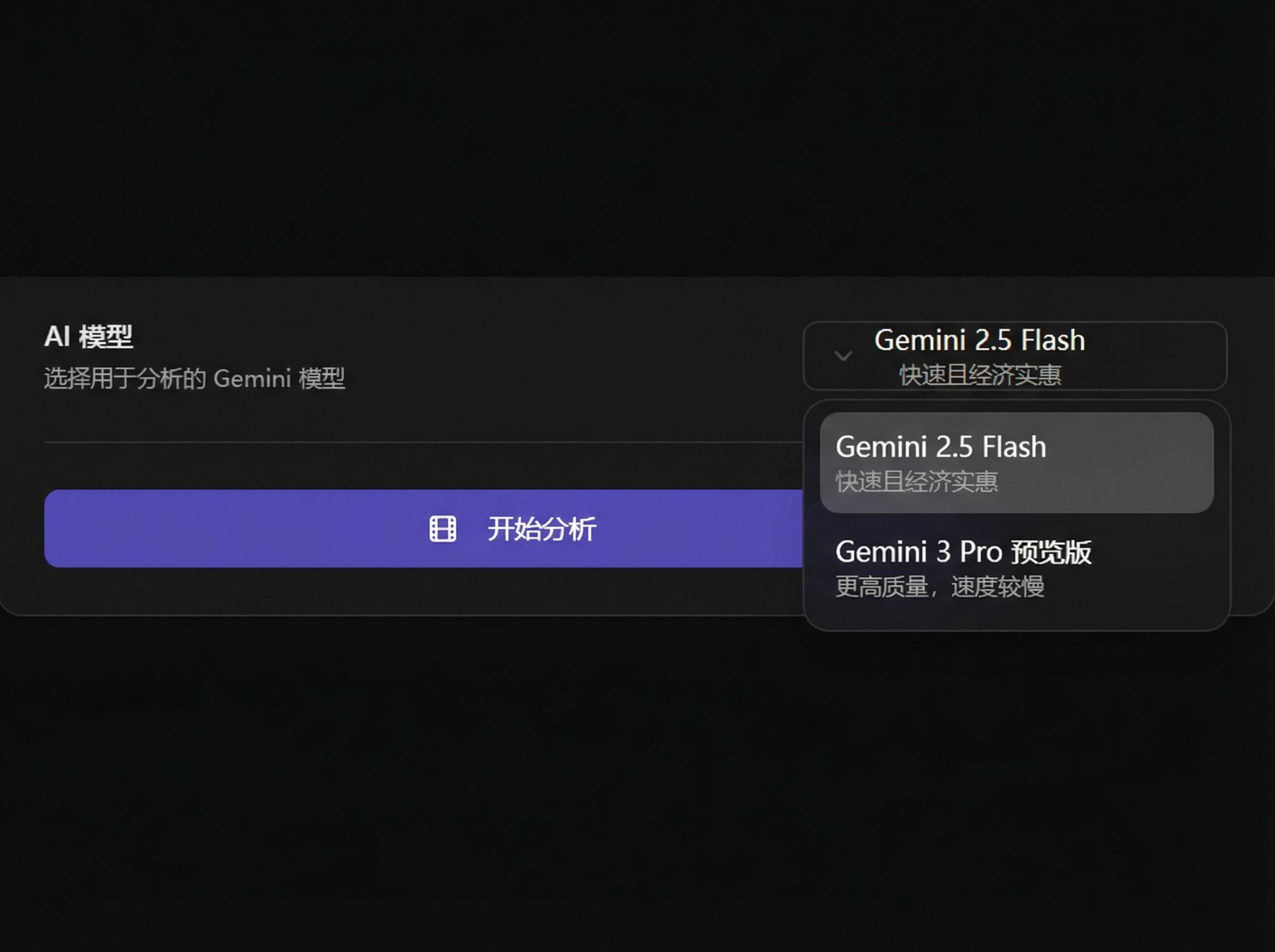
Video Analysis Models
Currently supports two analysis models:
- Gemini 2.5 Flash
- Gemini 3 Pro
After selecting a model, click Start Analysis.
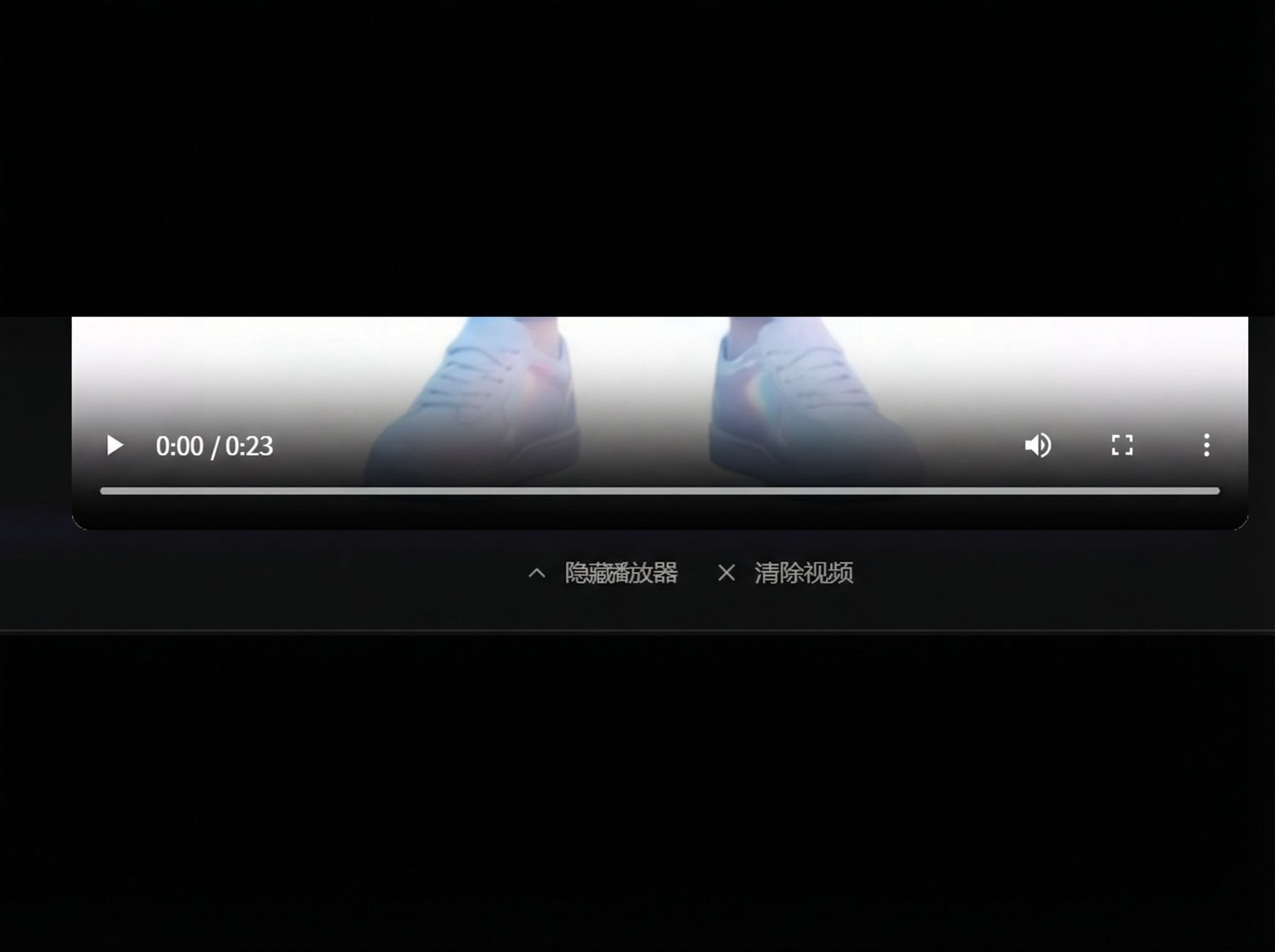
During analysis, you can Hide Player or Clear Video:
Breakdown Video
After breakdown is complete, a storyboard will be generated, including: shot number / preview / time / shot type / camera movement / scene description.
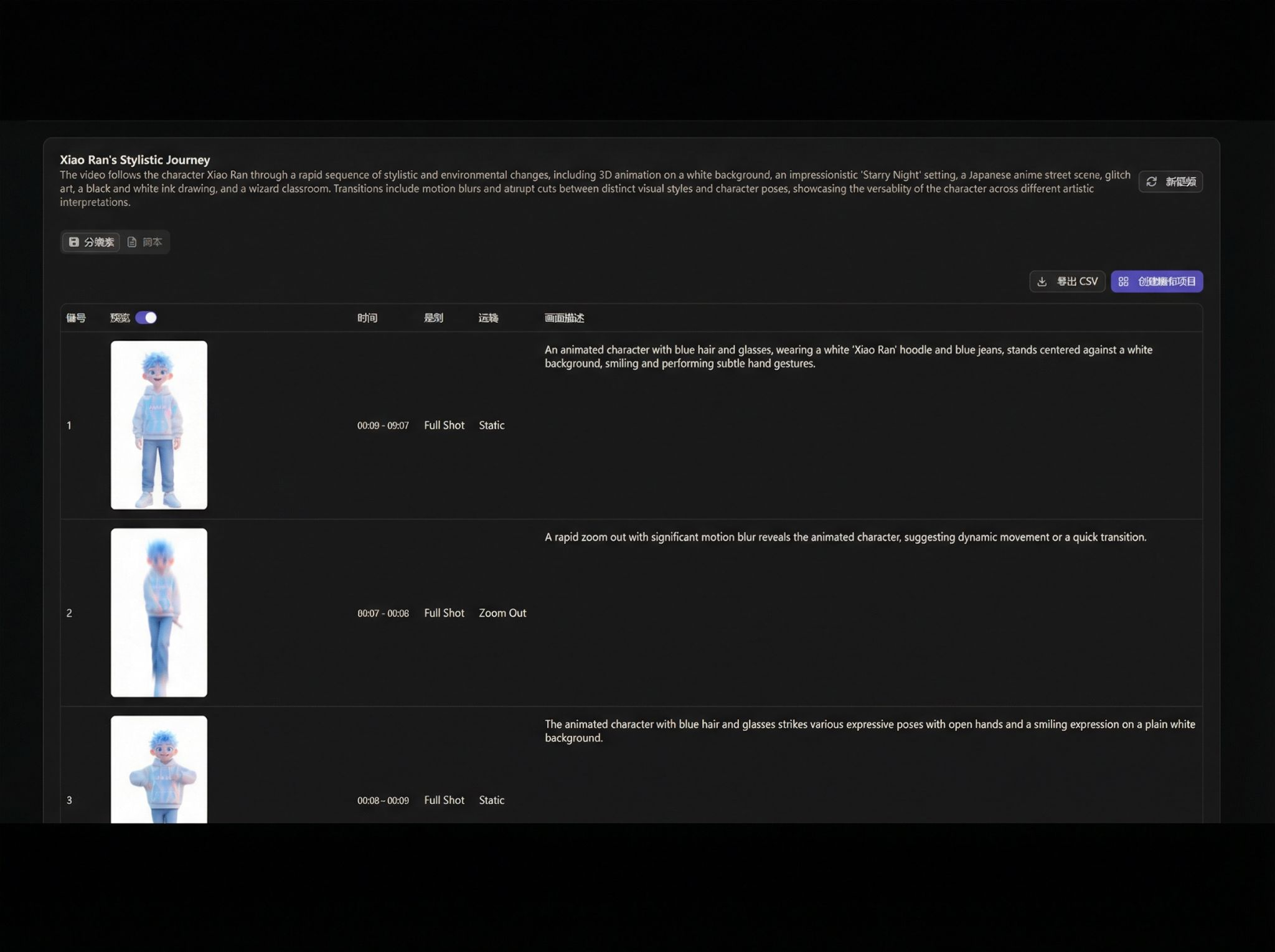
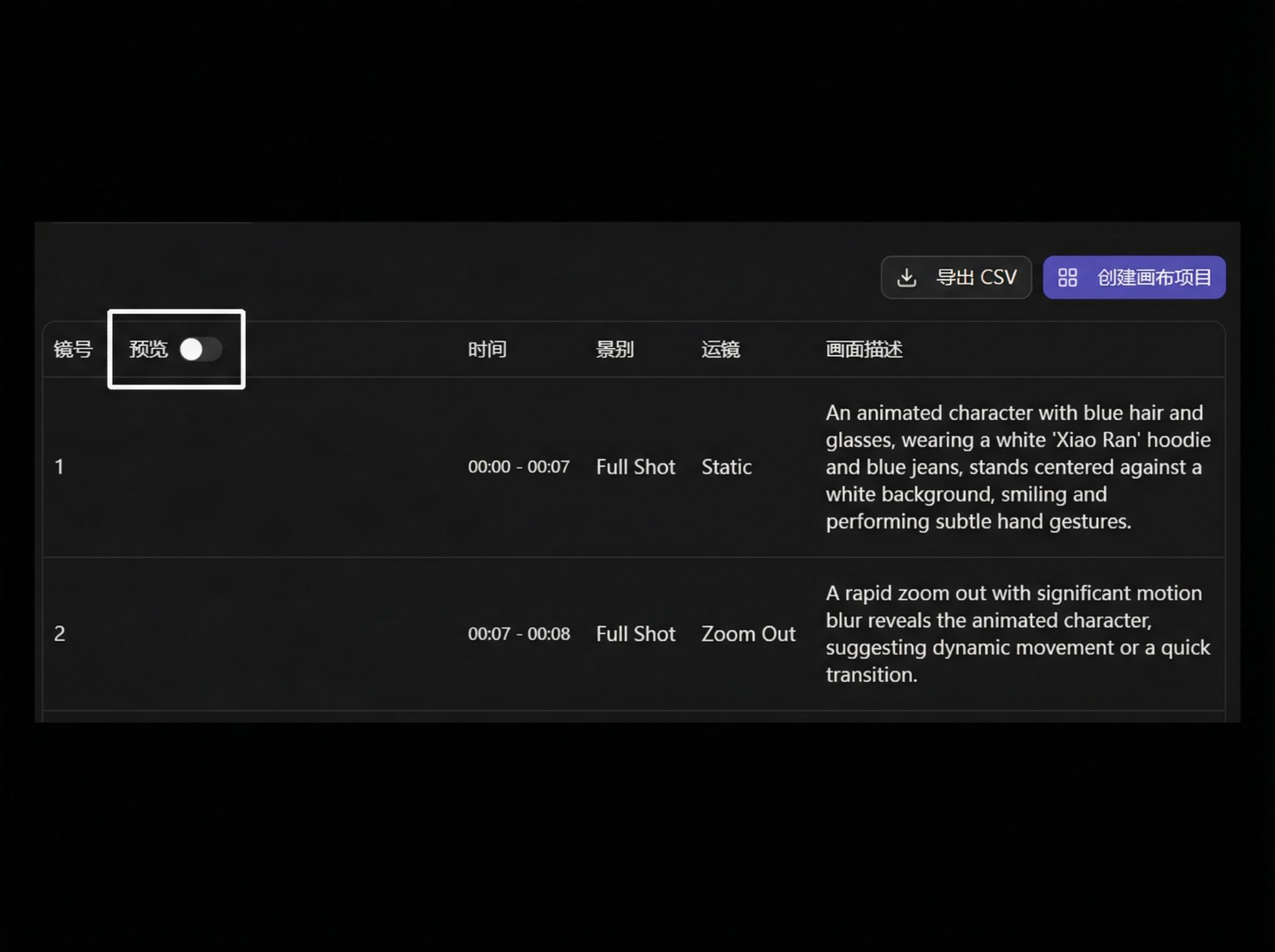
Preview Toggle
If you don't need shot previews, you can turn off the Preview column:
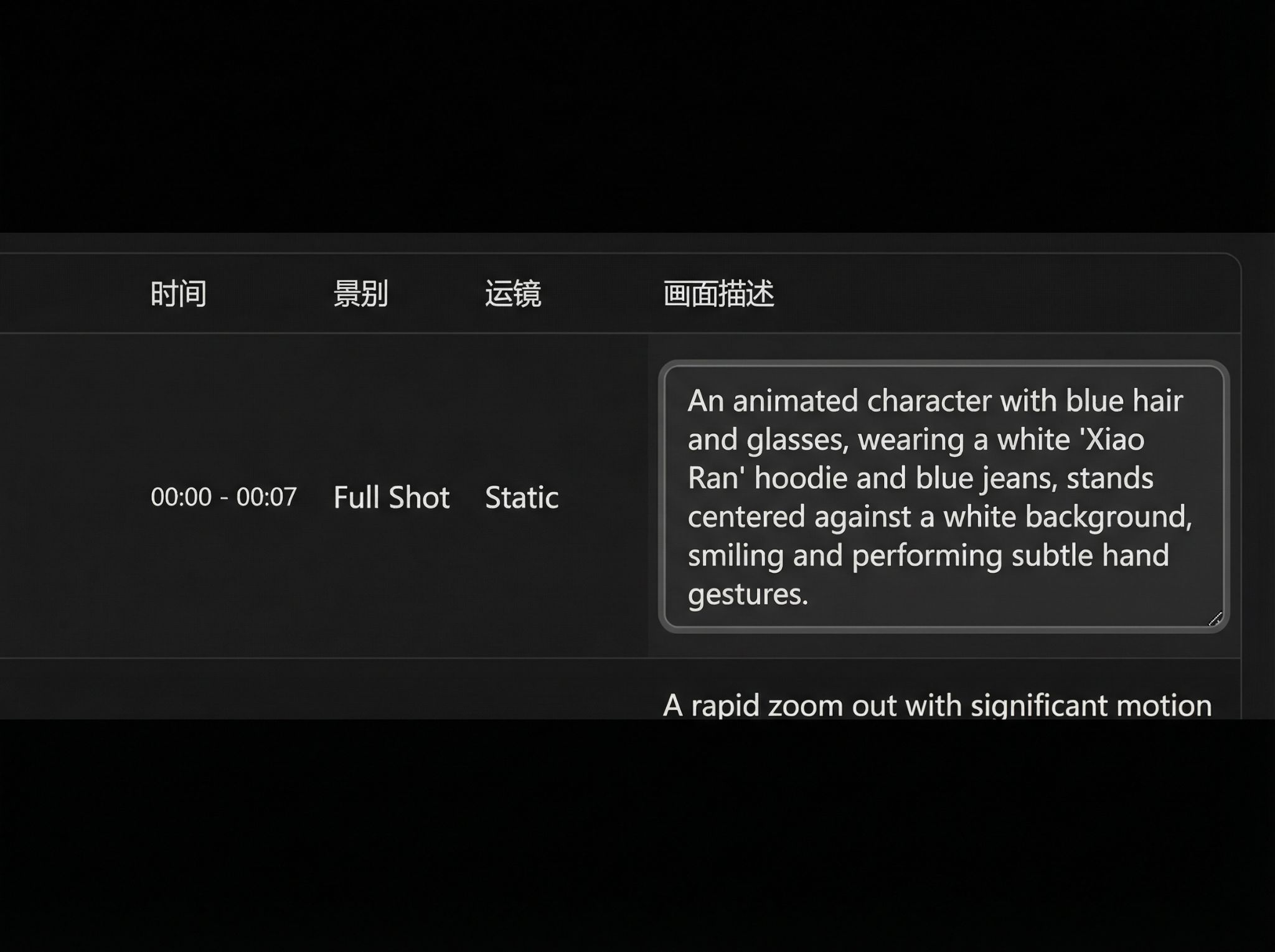
Edit Scene Description
Double-click Scene Description to edit the prompt:
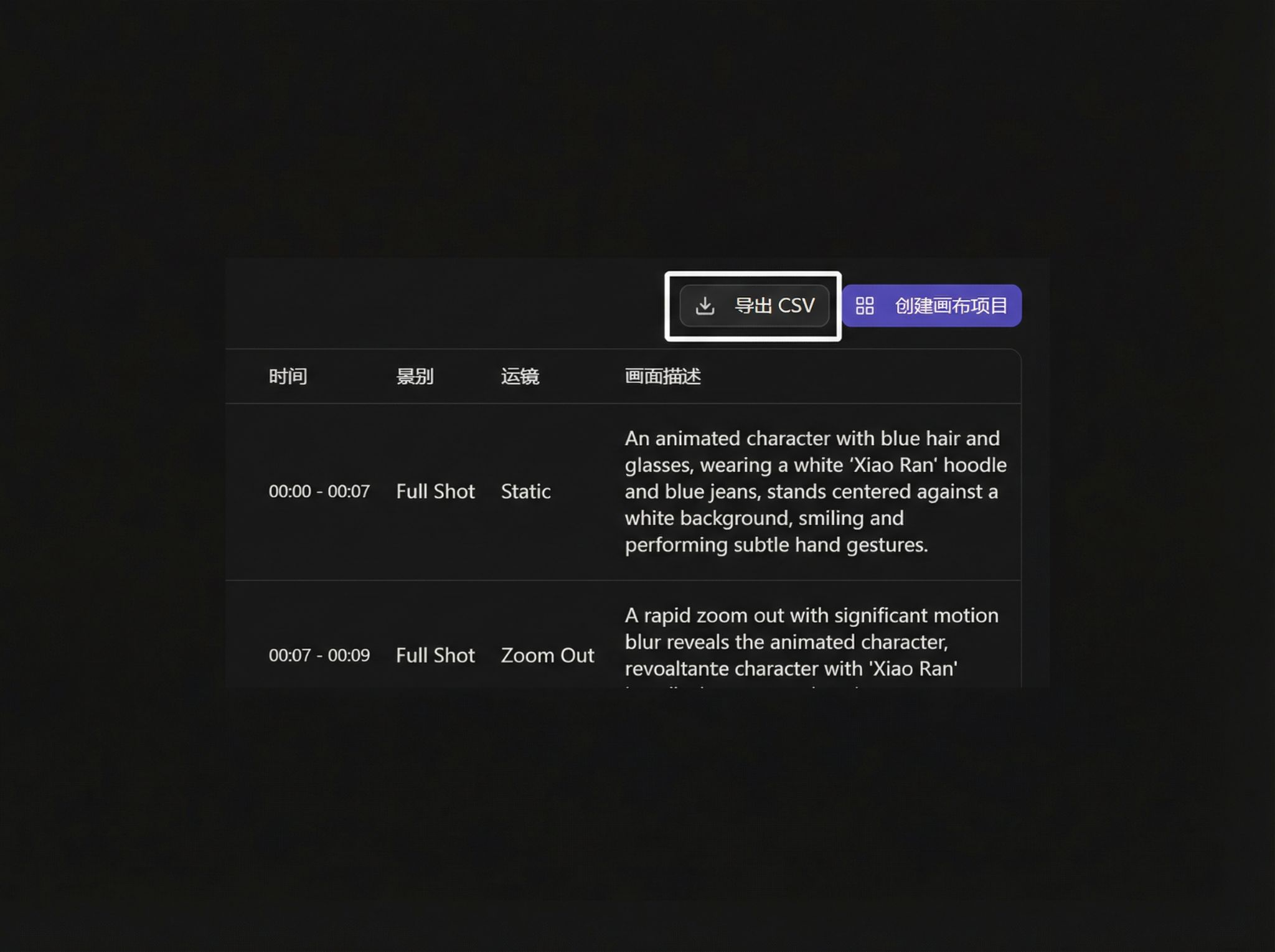
Export
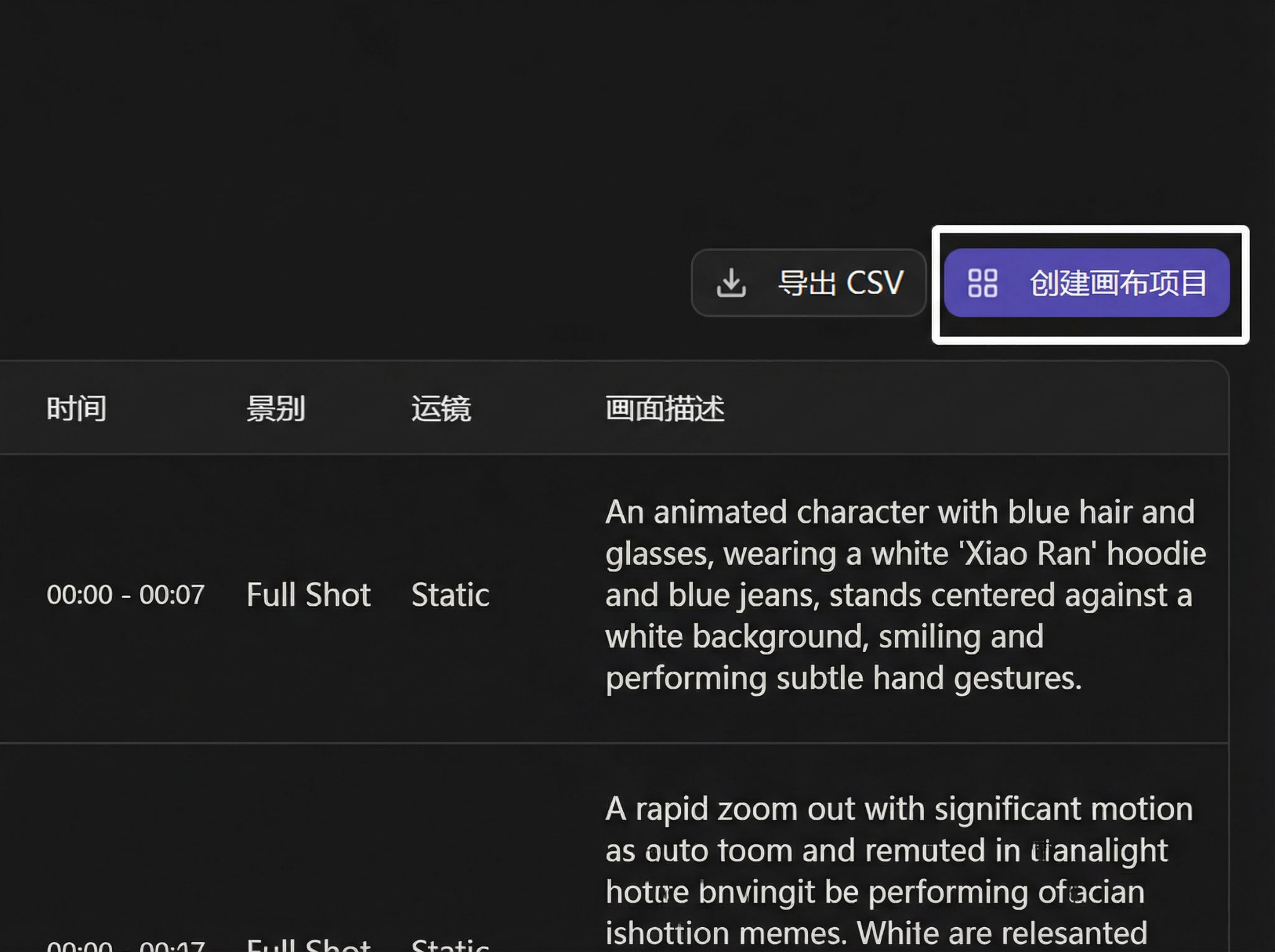
You can export the storyboard directly, or edit and then export:
One-Click Create Project
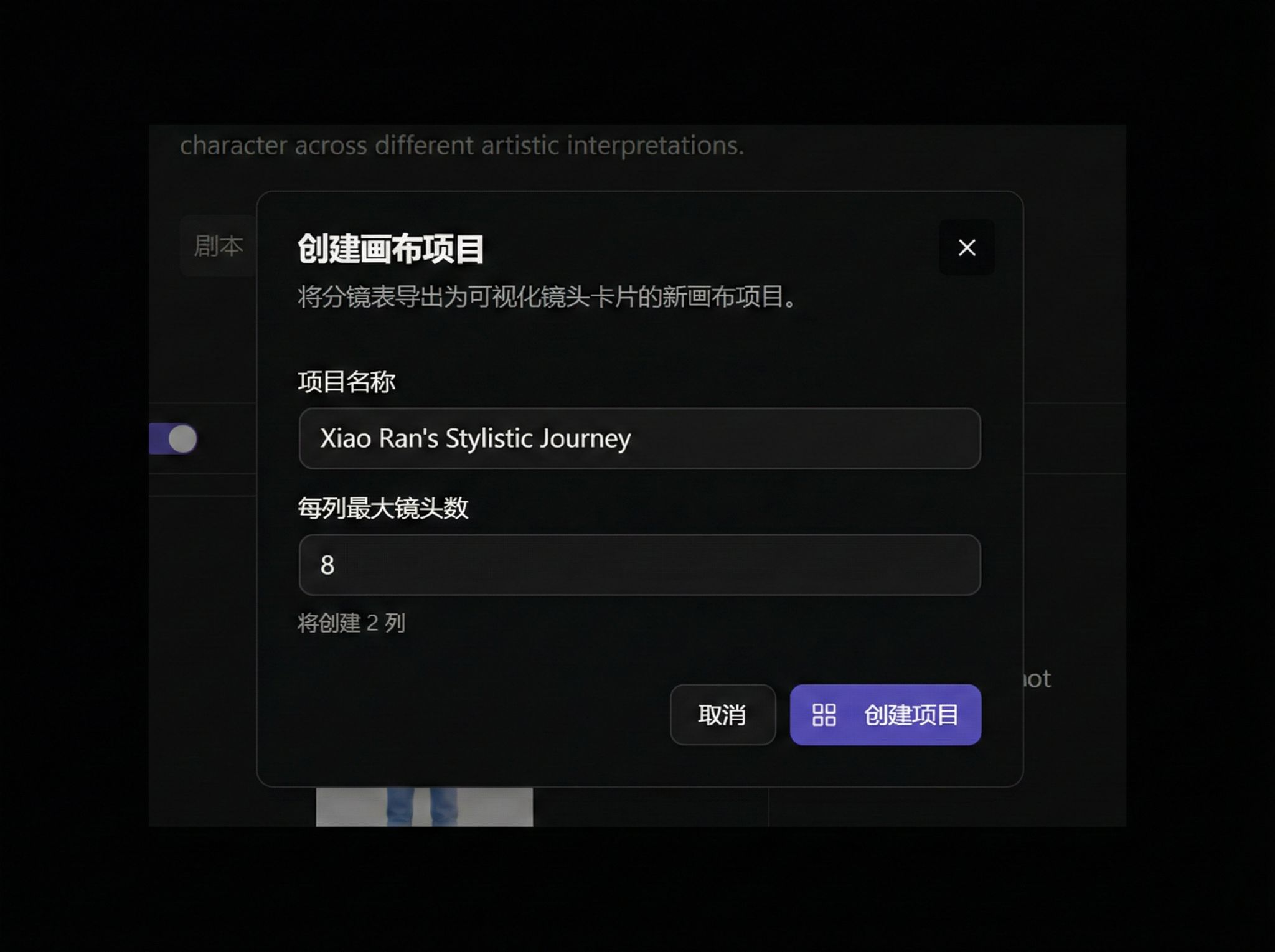
You can use the current storyboard to directly create a canvas project:
Create dialog:
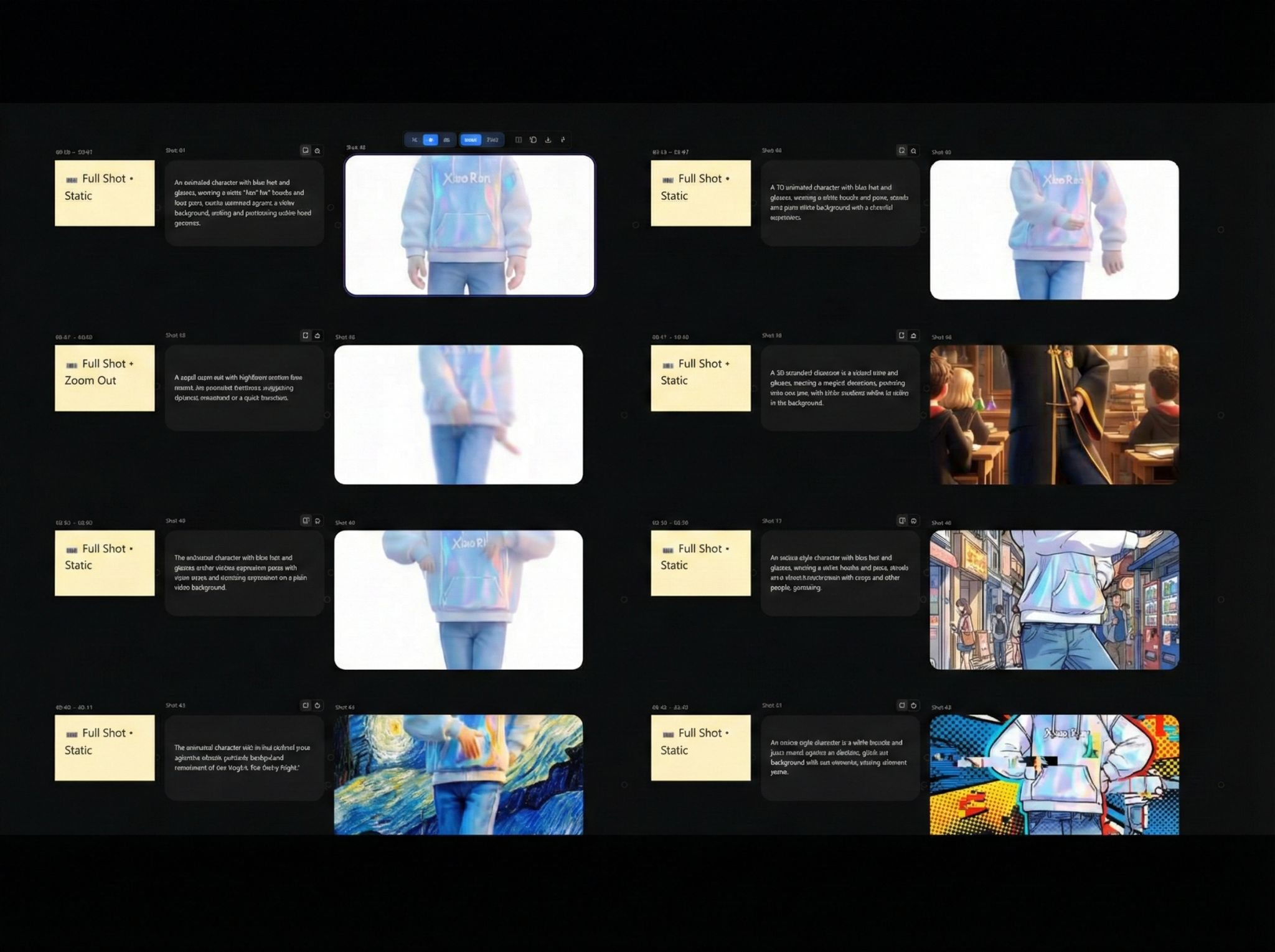
After creation, you'll be redirected to the new project:
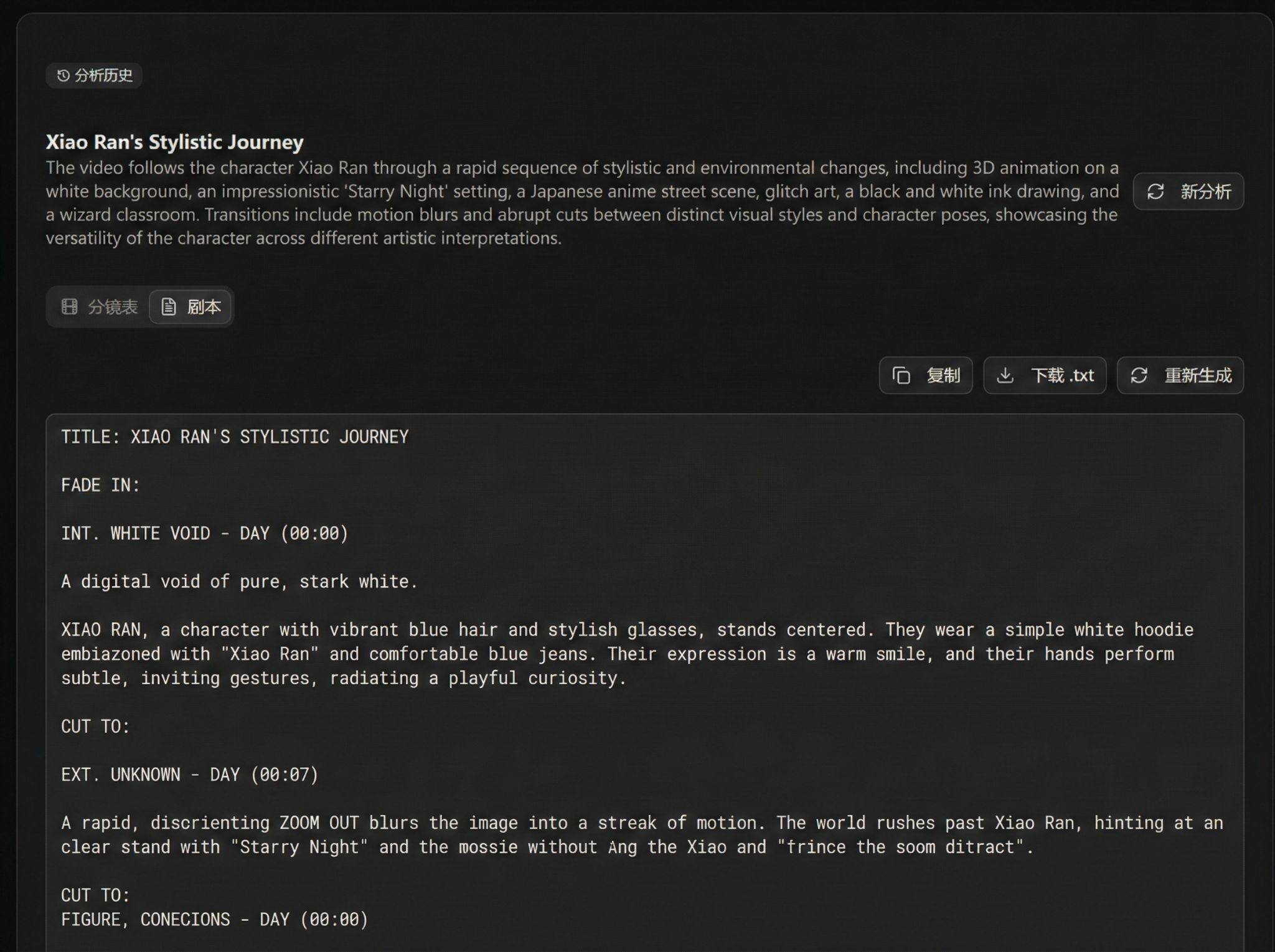
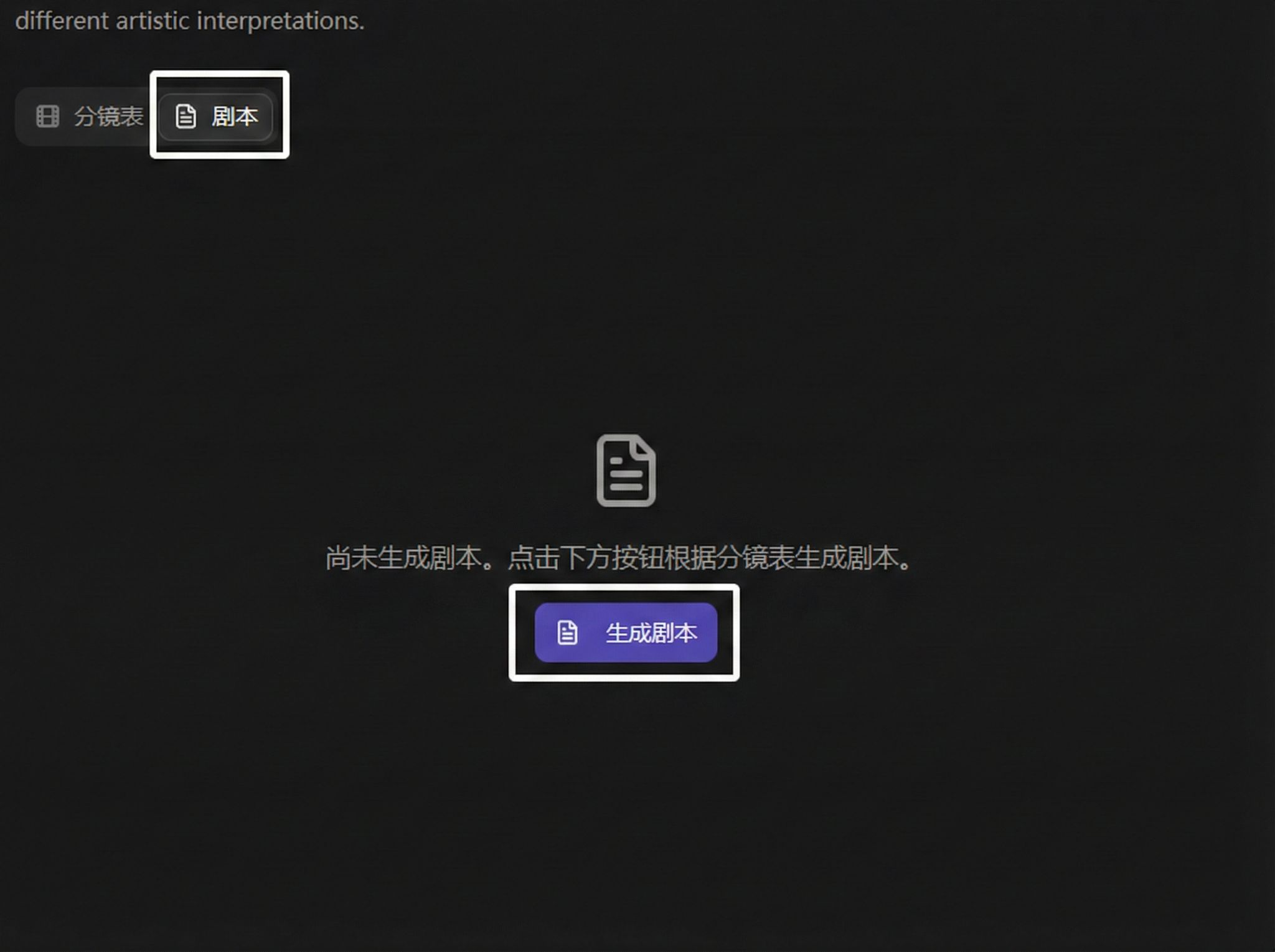
Script Generation
Click Script to generate complete script content:
After generation, supports copy or download: