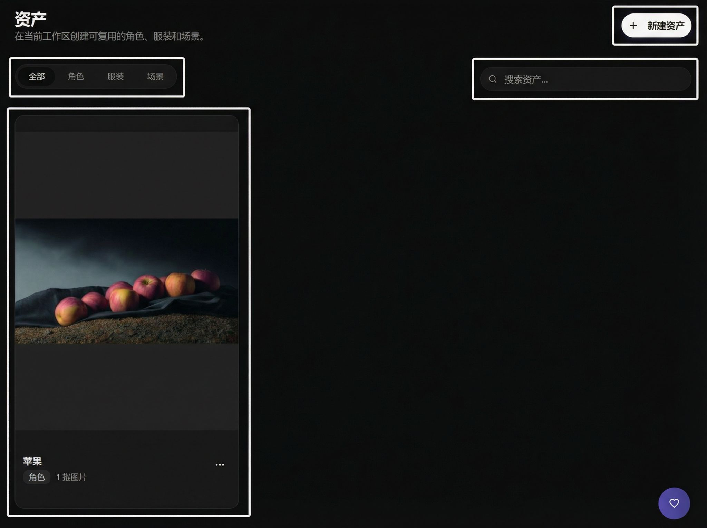
Assets
Assets are used to accumulate characters, scenes, props, and other materials, achieving save once, reuse many times, accumulate long-term.
Create New Asset
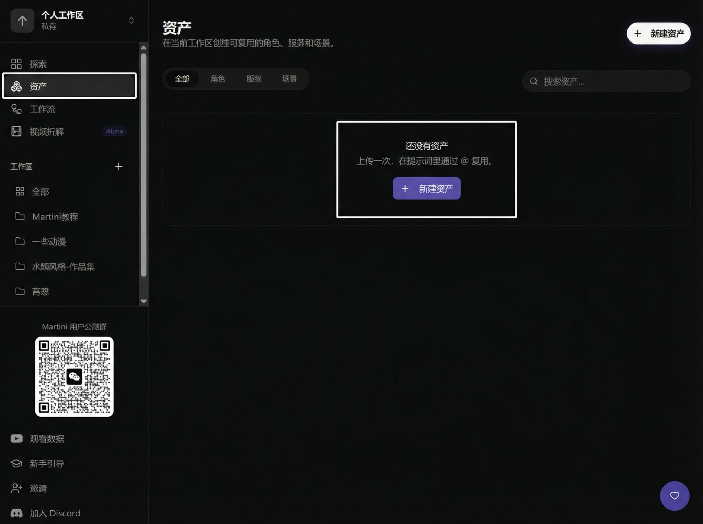
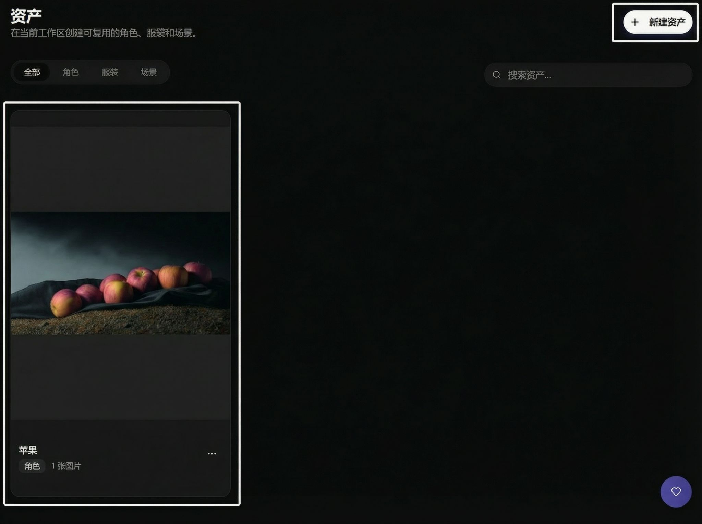
The entry is in the left menu 2nd item, click New Asset to upload:
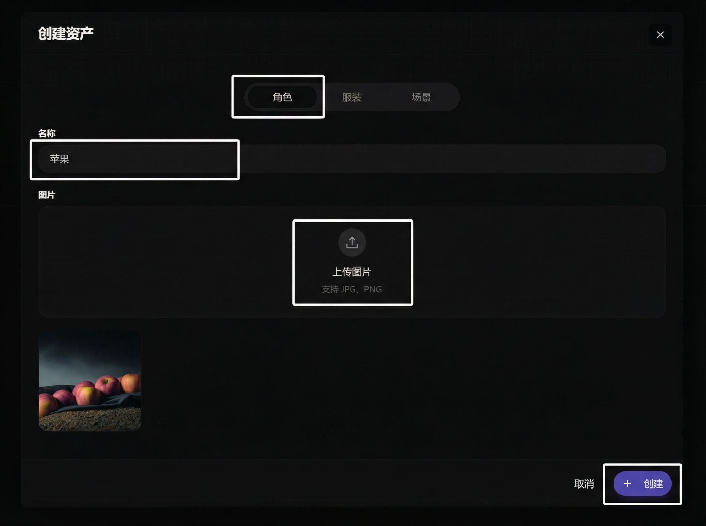
Upload and name it, then create:
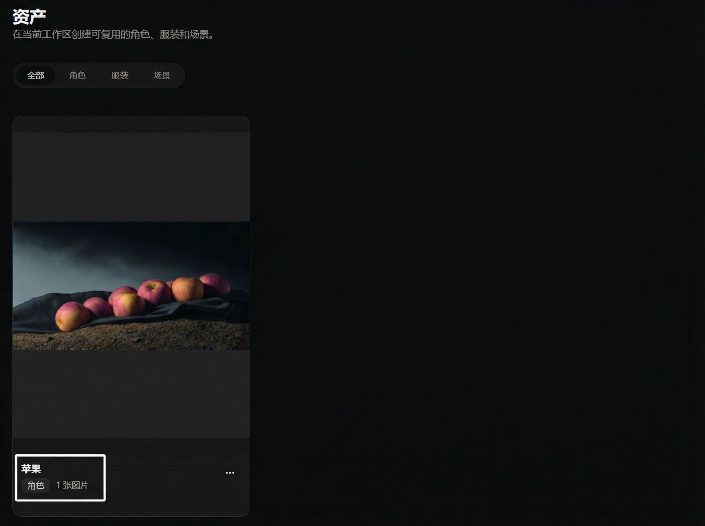
After creation, it will appear in the asset list:
Supports searching asset names for quick location:
Edit Asset
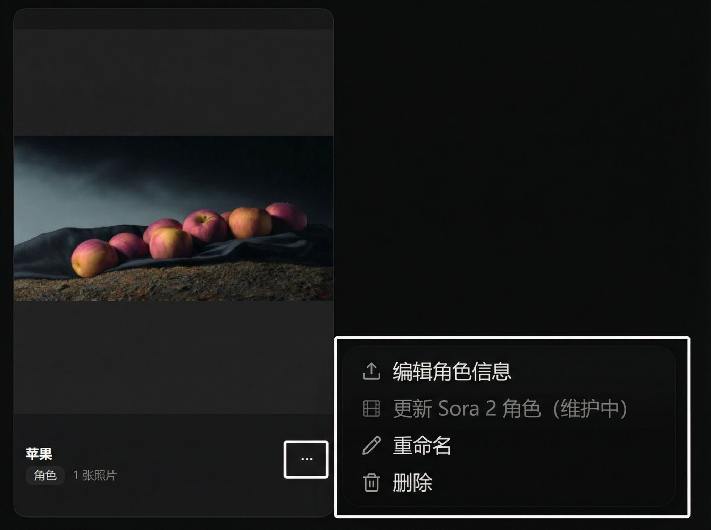
In the More Options on the right side of the asset card, you can rename, delete, or update:
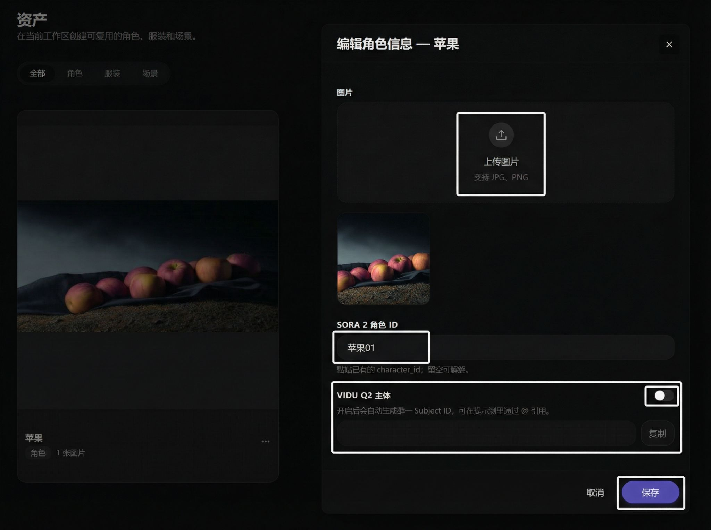
After entering the edit page, you can upload a new image and save:
If you need multi-parameter generation, you can enable Subject Function (supported by some models):
Model description demonstration: